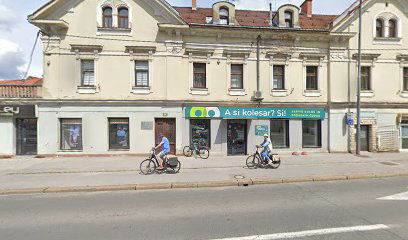
Trgovina
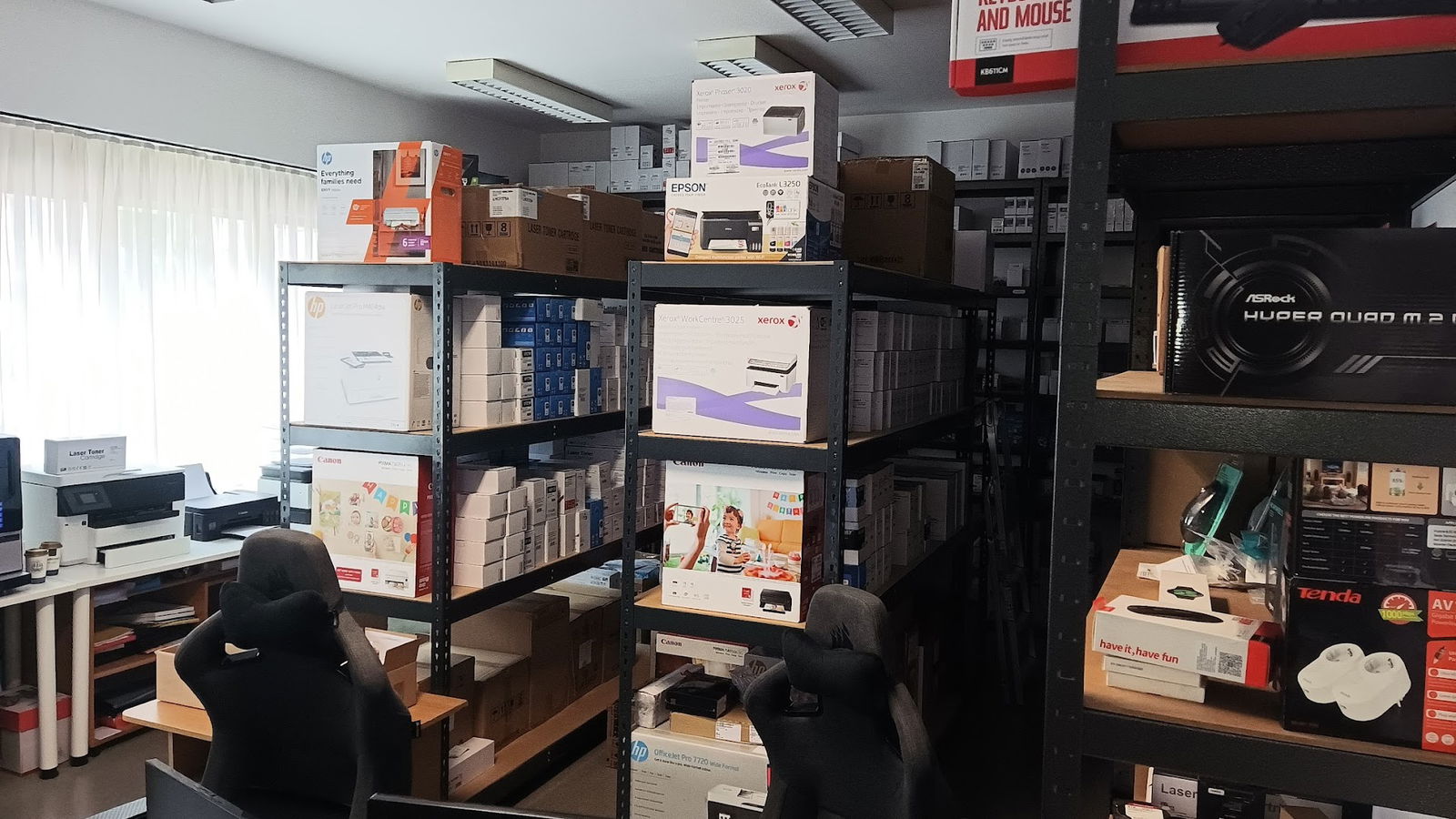
Exprum podjetje za razvoj in prodajo komunalne opreme d.o.o.
Exprum Podjetje Za Razvoj In Prodajo Komunalne Opreme D.O.O.
Preveri vsa mnenja, ocene, odpiralne čase ter kontaktne podatke za Exprum podjetje za razvoj in prodajo komunalne opreme d.o.o., trgovina v mestu ljubljana.
Apache2 Debian Default Page Overview
The Apache2 Debian Default Page signifies the successful installation and functioning of the Apache HTTP server on Debian systems. If you encounter this page, it denotes that the server setup is operating correctly, but you should replace this placeholder file with your site's content located at /var/www/html/index.html.
Site Availability Notification
If this page is displayed to normal users, it typically indicates that the website is undergoing maintenance and is currently unavailable. For ongoing issues, it is advisable to contact the site's administrator for assistance.
Configuration Overview
The Apache2 configuration on Debian is distinct from the upstream default configuration. It is organized into several files optimized for effective interaction with Debian tools. Documentation on the configuration system is thoroughly provided in /usr/share/doc/apache2/README.Debian.gz.
Understanding Configuration Files
| File/Directory | Description |
|---|---|
| apache2.conf | The main configuration file that includes all other configuration files and settings. |
| ports.conf | Determines the listening ports for incoming connections; customizable at any time. |
| mods-enabled/ conf-enabled/ sites-enabled/ | Contain snippets for managing modules, configurations, or virtual hosts and are activated using symlinks. |
Document Roots
By default, Debian restricts web browser access to files only in /var/www, public_html (if enabled), and /usr/share for web applications. To use a different document root, such as /srv, you may need to whitelist it in /etc/apache2/apache2.conf. The default document root remains /var/www/html, allowing for custom virtual hosts under /var/www.
Reporting Issues
To report bugs in the Apache2 package within Debian, utilize the reportbug tool. Ensure to check existing reports before submitting a new bug. For issues specific to modules like PHP, direct the reports to the relevant packages rather than the main web server.
Dostopnost
- Parkirišče dostopno za invalidske vozičke: Da
- ponedeljek Zaprto
- torek 9.00 do 17.00
- sreda 9.00 do 17.00
- četrtek 9.00 do 17.00
- Petek 9.00 do 17.00
- sobota Zaprto
- nedelja Zaprto
Podobne storitve