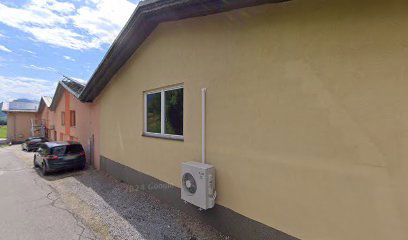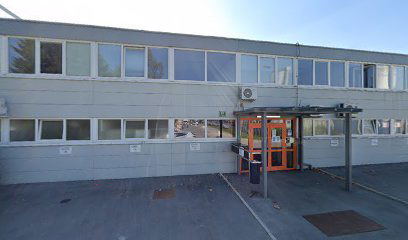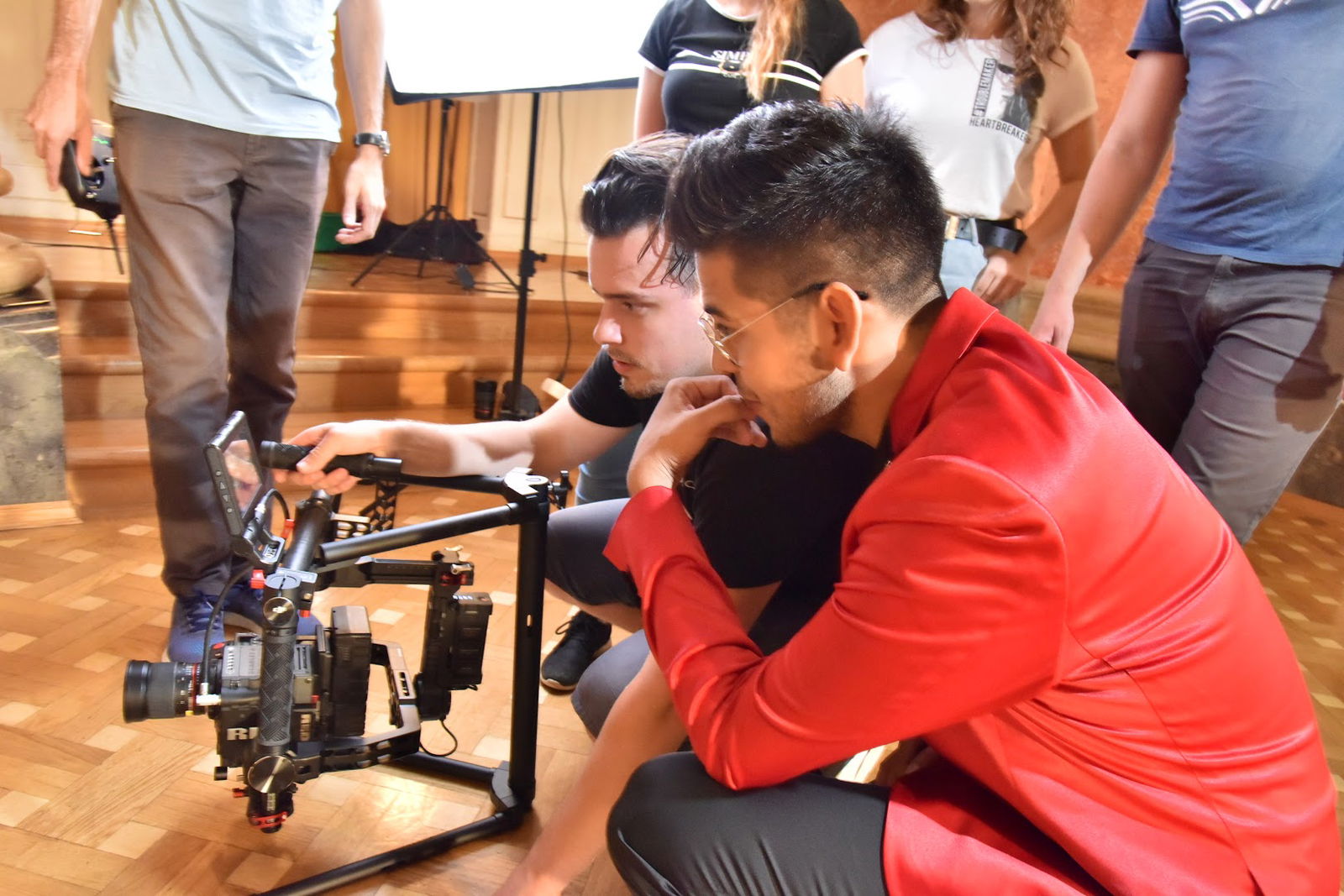
Storitve video produkcije
Videofon, Podj
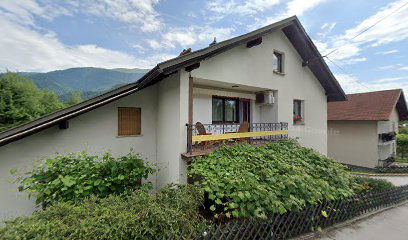
Videofon, podjetje za snemanje propagandno-izobraževalnih filmov, d.o.o.
Preveri vsa mnenja, ocene, odpiralne čase ter kontaktne podatke za Videofon, Podj, storitve video produkcije v mestu blejska dobrava.
Caddy: Your Reliable Web Server Solution
Welcome to Caddy! Your web server is successfully running, and it's time to harness its power for your website.
Getting Started with Caddy
Caddy is prepped to serve your site securely over HTTPS. To do this, follow these simple steps:
| Step | Action |
| 1 | Point your domain's A/AAAA DNS records at this machine. |
| 2 | Upload your site's files into the /var/www/html directory. |
| 3 | Edit the Caddyfile located at /etc/caddy/Caddyfile: |
| - | Replace :80 with your domain name. |
| - | Change the site root to /var/www/html. |
| 4 | Reload the configuration using systemctl reload caddy. |
| 5 | Visit your site! |
What If It Doesn’t Work?
If you encounter issues:
- Check the service status with
systemctl status caddy. - Review the logs:
journalctl --no-pager -u caddy. - Ensure your site's files are accessible to the Caddy user and group.
- Verify that your domain's DNS records are correct.
- Make sure ports 80 and 443 are open and not blocked by firewalls.
Before retrying, switch to Let's Encrypt's staging environment to prevent rate limiting and wait for DNS records to propagate, which can take some time.
Explore More Features!
Caddy is not just for serving static files; it is also a robust reverse proxy and application platform. Utilize the Caddyfile to activate any features you require or configure it programmatically via Caddy's API. For detailed guidance, refer to Caddy's documentation or your operating system's manual.
Join Our Community
If you still need help, the Caddy community is here for you. Search for answers or ask original questions if needed. Remember, collaboration is key!
Have fun utilizing Caddy to its fullest potential!
Dostopnost
- Parkirališče dostopno za invalidske vozičke: Da
Podobne storitve