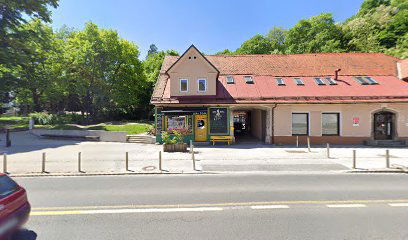
Paprika Studios d.o.o
Preveri vsa mnenja, ocene, odpiralne čase ter kontaktne podatke za Paprika Studios d.o.o,
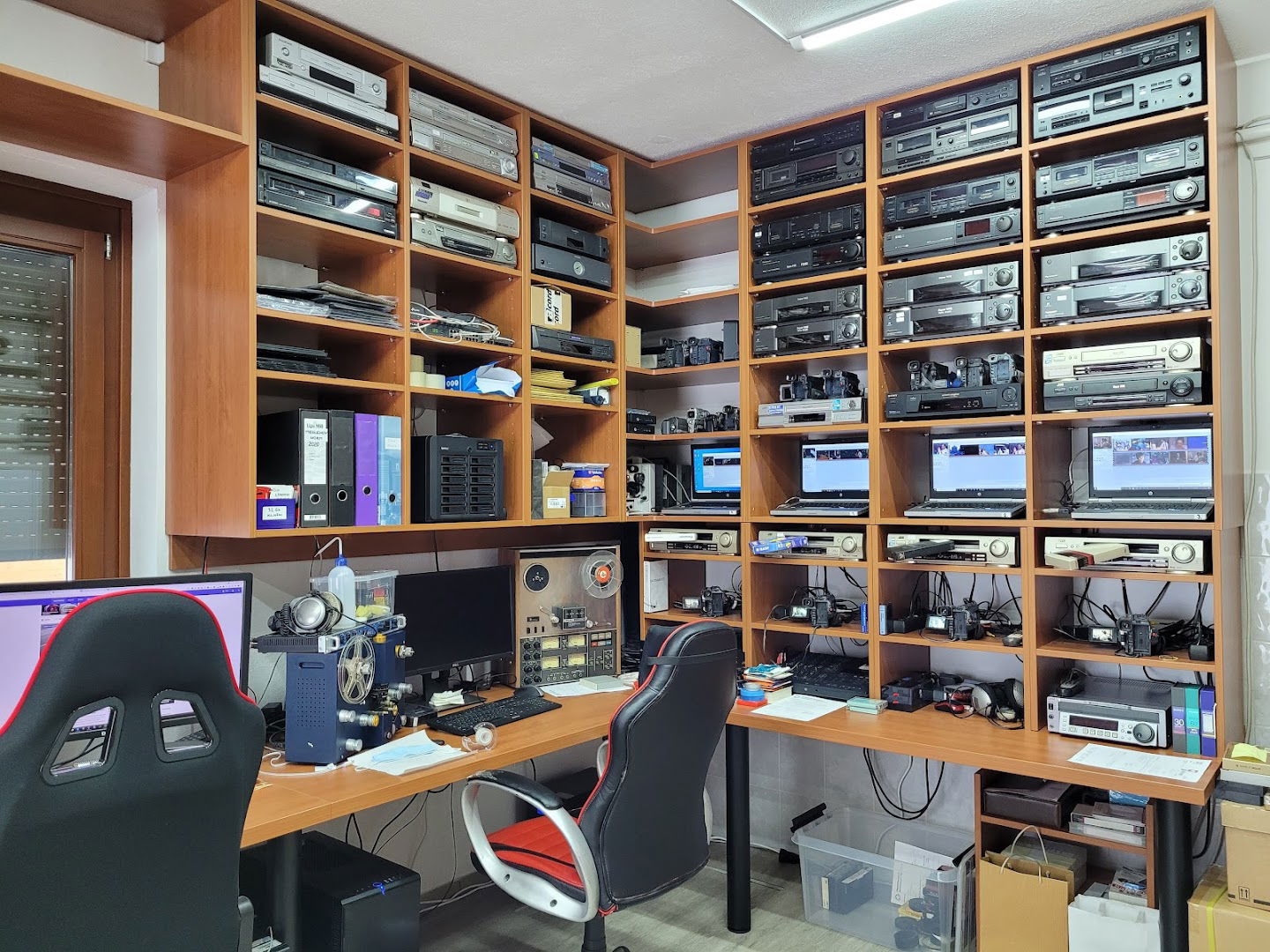
storitve video produkcije
v
mestu ljubljana.
Paprika Studios
Paprika Studios is an innovative platform designed to provide users with a seamless and dynamic experience. To fully engage with our services, it is essential to have JavaScript enabled in your web browser. This allows for optimal functionality and accessibility across our range of offerings.
Enabling JavaScript
For a smooth experience at Paprika Studios, follow these simple steps to enable JavaScript in your browser:
| Browser | Instructions |
|---|---|
| Google Chrome | 1. Open Chrome settings. 2. Scroll down to "Privacy and Security." 3. Click on "Site Settings." 4. Find "JavaScript" and make sure it is turned on. |
| Mozilla Firefox | 1. Type "about:config" in the address bar. 2. Search for "javascript.enabled." 3. Set the value to true. |
| Microsoft Edge | 1. Open Edge settings. 2. Go to "Cookies and Site Permissions." 3. Click on "JavaScript" and ensure it is enabled. |
| Safari | 1. Open Safari preferences. 2. Click on the "Security" tab. 3. Check "Enable JavaScript." |
By enabling JavaScript, you unlock the full potential of Paprika Studios, allowing us to provide you with enhanced features and a better overall experience. Visit us today and see what we have to offer!
- ponedeljek 9.00 do 17.00
- torek 9.00 do 17.00
- sreda 9.00 do 17.00
- četrtek 9.00 do 17.00
- Petek 9.00 do 17.00
- sobota Zaprto
- nedelja Zaprto
 Google
Google
Google
Google
Google
Google
Google
Podobne storitve