INA
MOL Service Description
MOL is a service that requires JavaScript for optimal functionality. If JavaScript is disabled in your browser, you will encounter issues when trying to use the features provided by MOL. To fully experience and utilize the service, it is crucial to enable JavaScript.
Why Enable JavaScript?
JavaScript is a programming language that interprets code to enhance user interactions on websites. By enabling JavaScript, users can ensure that all components of the MOL service function as intended. This might include dynamic content display, interactive features, and a more responsive interface.
Steps to Enable JavaScript:
| Browser | Instructions |
|---|---|
| Google Chrome | Go to Settings > Privacy and Security > Site Settings > JavaScript, and toggle to enable. |
| Firefox | Type about:config in the address bar, search for javascript.enabled, and set it to true. |
| Safari | Go to Preferences > Security, and check the box to enable JavaScript. |
| Microsoft Edge | Go to Settings > Cookies and site permissions > JavaScript, and enable it. |
Need Assistance?
If you're still having trouble enabling JavaScript or experiencing issues with the MOL service, consider seeking help through a trusted technical support resource. Ensuring that your JavaScript is enabled will help improve your overall user experience.
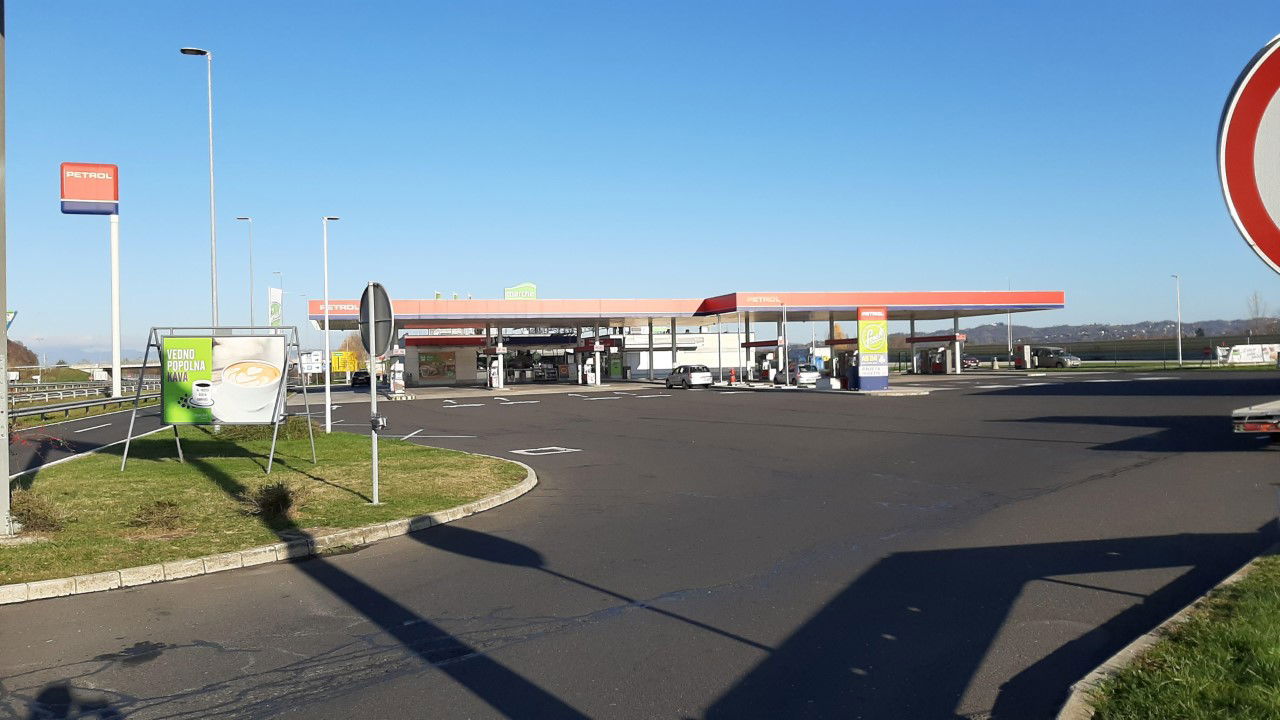
- Stranišče dostopno za invalidske vozičke: Da
- Dizelski plin: Da
- Stranišče: Da
- ponedeljek 7.00 do 19.00
- torek 7.00 do 19.00
- sreda 7.00 do 19.00
- četrtek 7.00 do 19.00
- Petek 7.00 do 19.00
- sobota 7.00 do 19.00
- nedelja Zaprto
 Google
Google
Google
Google
Google
Google
Google
Google
Google
Wir haben getankt und Eis gekauft! Dann verweigerte uns der weibliche Tankwart am Freitag um 18:45h den WC-Schlüssel, mit der Begründung das sie um 19:00h schließe! Ich musste hinter das Tankstellengebäude urinieren!!! Sehr geehrter Herr Marko Grahor, mit solchen Mitarbeitern werden sie noch viele ähnliche Bewertungen erhalten, tut mir Leid.
Google
Google
Google
Google
Good
Google
Questo e' chiuso da tempo
Google
Prezzi molto più bassi rispetto all'Italia a 300 metri dal confine circa....
Google
Google
Google
Google
Google
Il bello dei distributori in Slovenia è il prezzo dei carburanti dai 30 ai 50 centesimi in meno che da noi.
Google
Ottimo benzinaio
Google
Google
Prezzi buoni ma servizi igienici da paura!
Google
Google
Google
Google
Google
Google
Podobne storitve