Bianco
WordPress MySQL Extension Requirement
If you're looking to set up or maintain a WordPress site, it’s crucial to ensure that your PHP installation is properly configured. One significant requirement for WordPress to function optimally is the MySQL extension. This extension acts as a bridge between your WordPress installation and the database, allowing seamless data storage and retrieval.
Understanding the Connection
Without the MySQL extension, your WordPress site may encounter issues during installation and operation. This absence can result in error messages and hinder site performance, making it a priority to address. It’s essential for developers and site administrators to be aware of this requirement and take the necessary steps to resolve it.
Key Points to Consider
| Point | Description |
|---|---|
| PHP Version | Ensure your PHP version supports the MySQL extension. Recent versions of PHP (7.0 and above) use MySQLi or PDO_MySQL instead. |
| Server Environment | Check that your server environment is set up correctly to include necessary extensions needed for WordPress. |
| Installation Steps | Follow proper installation guides to ensure the MySQL extension is installed along with PHP. |
| Troubleshooting | Consult troubleshooting resources or seek professional assistance if you continue to encounter issues after checking for the extension. |
Conclusion
Addressing the MySQL extension requirement is a critical element in establishing a successful WordPress website. By ensuring your PHP installation includes this extension, you can prevent unnecessary errors and achieve a smoother operation. Take the time to configure your environment correctly for an optimal WordPress experience.
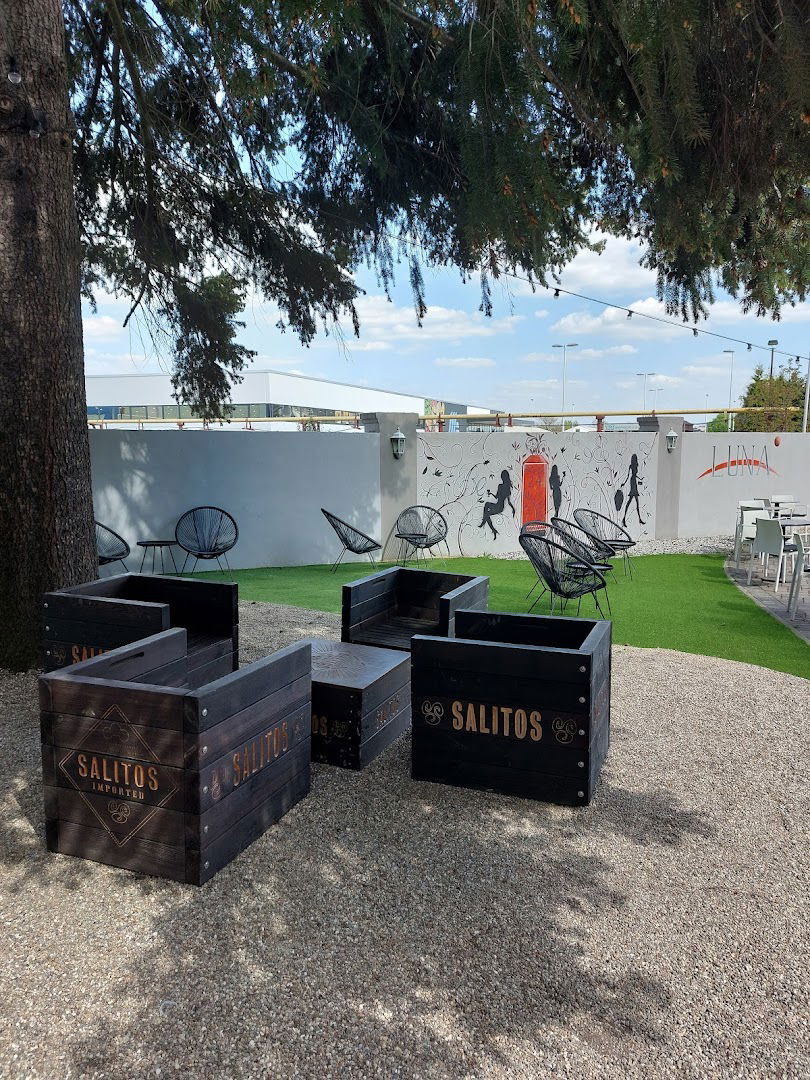
- Vanjsko sjedenje: Da
- Dostava: false
- Veliki izbor piva: Da
- Odlična kava: Da
- Odličan izbor čajeva: Da
- Odlična vinska karta: Da
- Sportovi: Da
- Dobar za rad na laptopu: Da
- Ulaz pristupačan za invalidska kolica: Da
- Parkiralište pristupačno za invalidska kolica: Da
- Sjedenje pristupačno za invalidska kolica: Da
- Alkohol: Da
- Pivo: Da
- Kokteli: Da
- Kava: Da
- Žestoka pića: Da
- Vino: Da
- Sjedala: Da
- Servis za stol: Da
- Bar na licu mjesta: Da
- WC: Da
- Općenito: Da
- Ugodno: Da
- Studenti fakulteta: Da
- Grupe: Da
- turisti: Da
- Prihvaća rezervacije: Da
- Kreditne kartice: Da
- Debitne kartice: Da
- Besplatna garaža za parkiranje: Da
- Besplatno parkiralište: Da
- Besplatan parking na ulici: Da
- ponedjeljak 8 do 23 sata
- utorak 8 do 23 sata
- srijeda 8 do 23 sata
- četvrtak 8 do 23 sata
- petak 8 do 23 sata
- subota 8 do 23 sata
- nedjelja 8 do 23 sata
 Google
Google
Google
Google
Google
Google
Google
Google
Google
Google
Google
Google
Google
Dobro mesto za kafu
Google
Google
Google
Google
Google
Opušteno
Google
Top!
Google
Google
Google
Google
Google
Google
Google
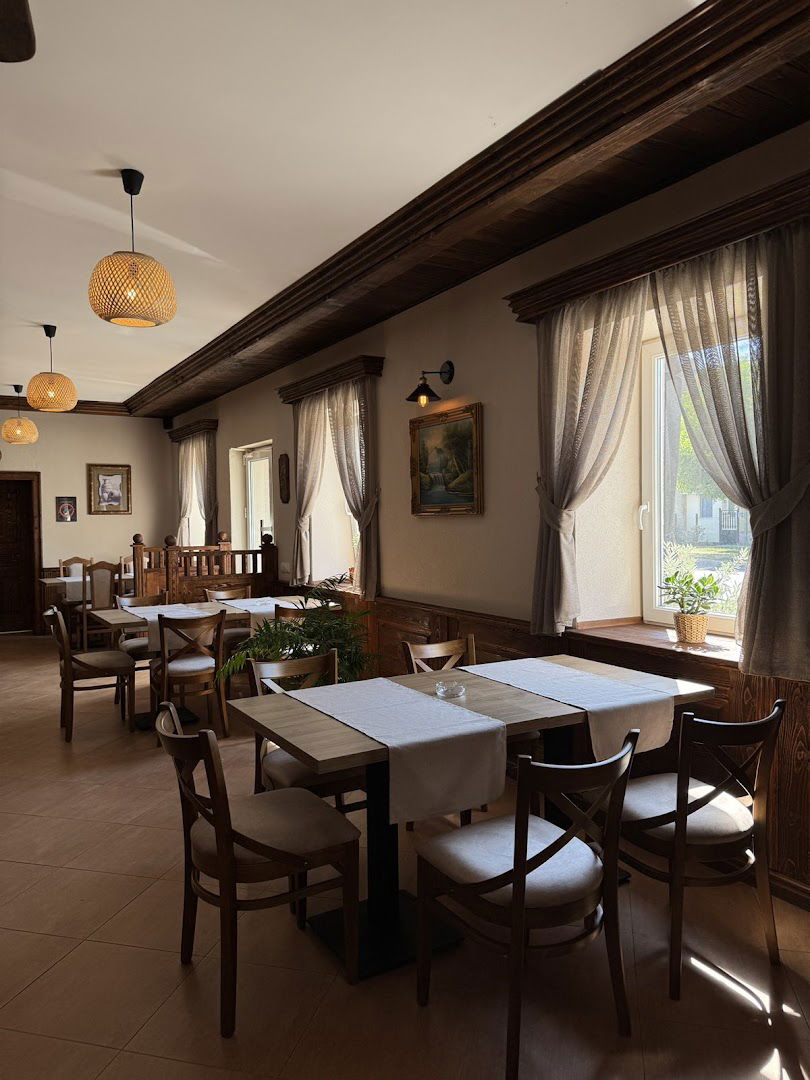
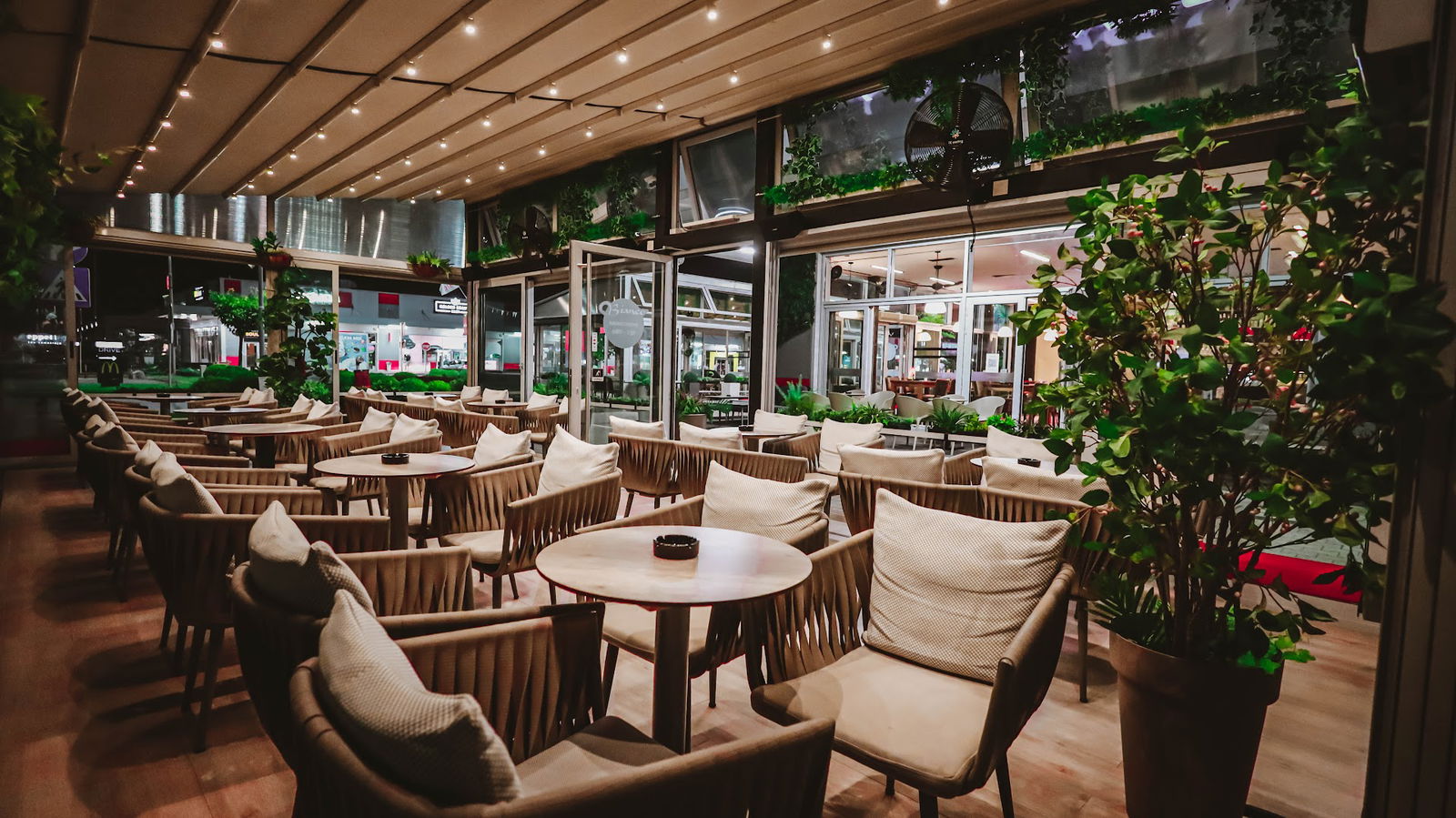
The coffee shop looks beautiful, the seating is amazing and it's located at the beginning of the Big shopping mall. Really nicely decorated and organized. It's clean and the girl that served us was quick, and nice. The prices are reasonable and I loved the offer that they have for the XXL espresso! It tasted pretty good. The toilet is a bit small, but it's clean. I recommend the place and look forward to visiting it again!
Google
Perfekt 🥰🥰🥰
Google
Google
Google
Google
Odlična usluga, ljubazni konobari, savrsena kafa i osecaj kao da si kod kuće. 😉❤️
Podobne storitve