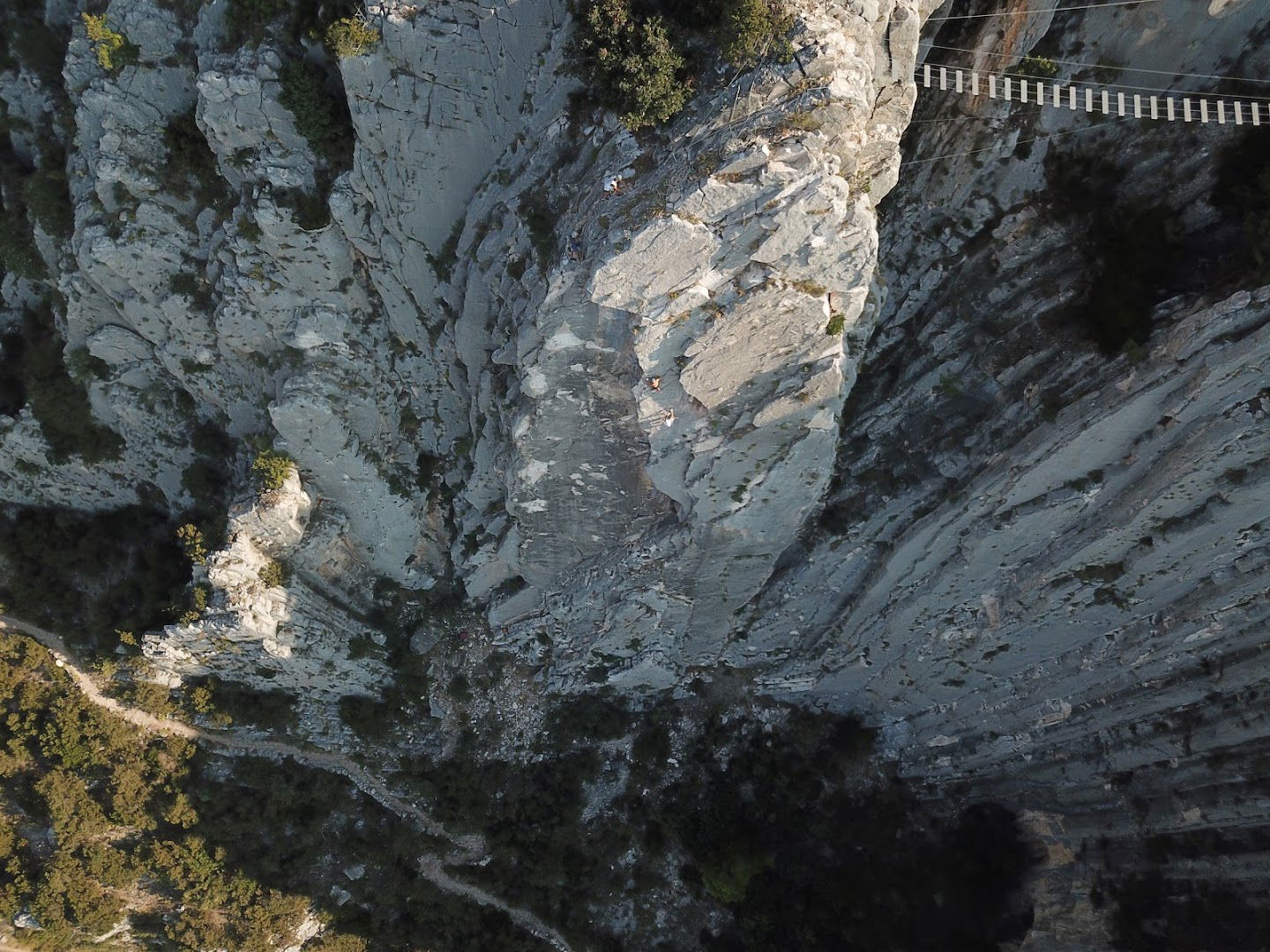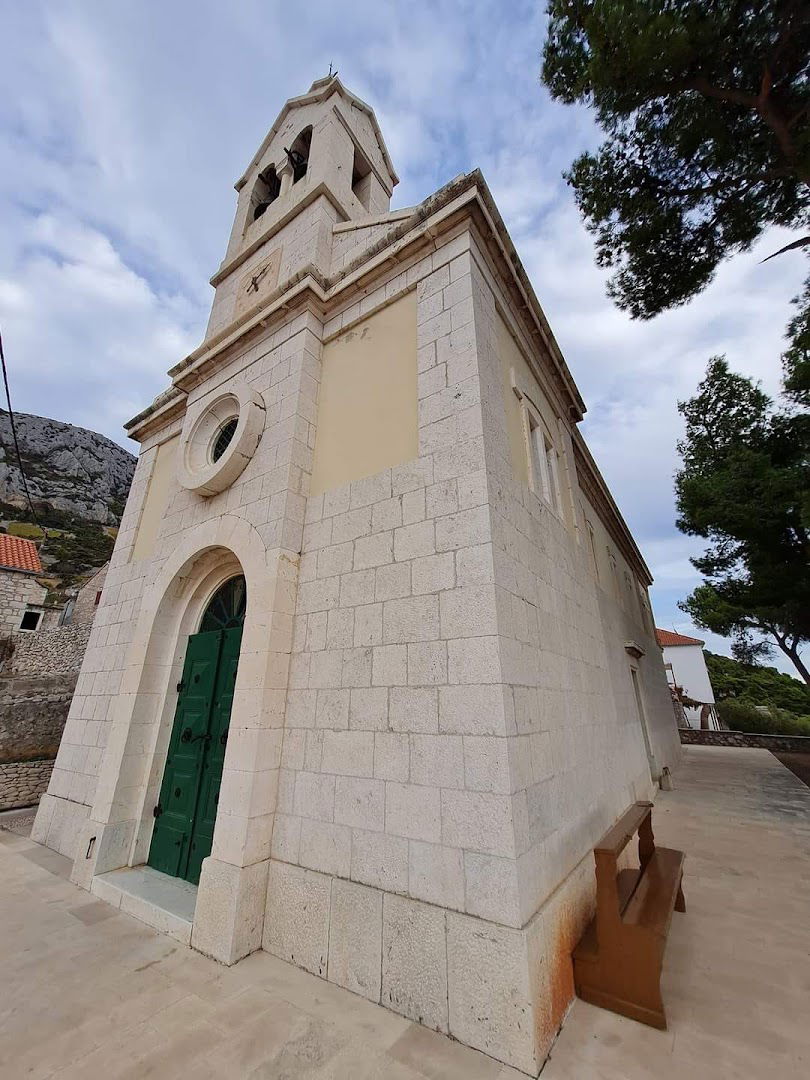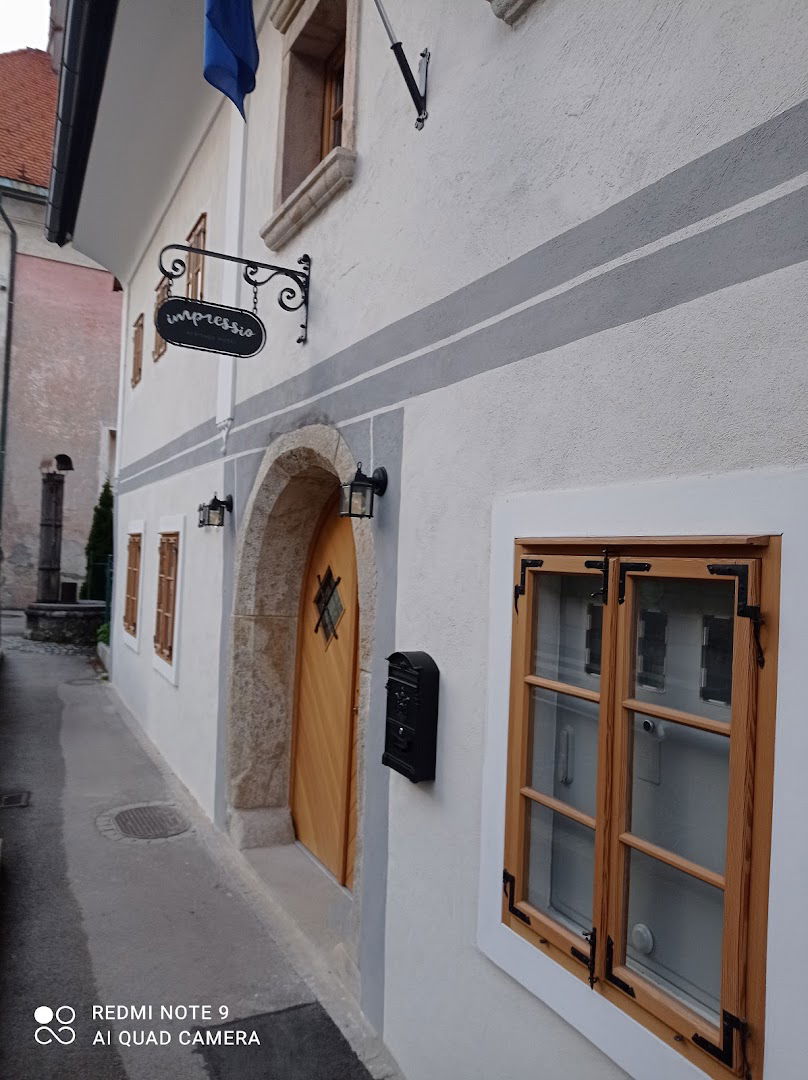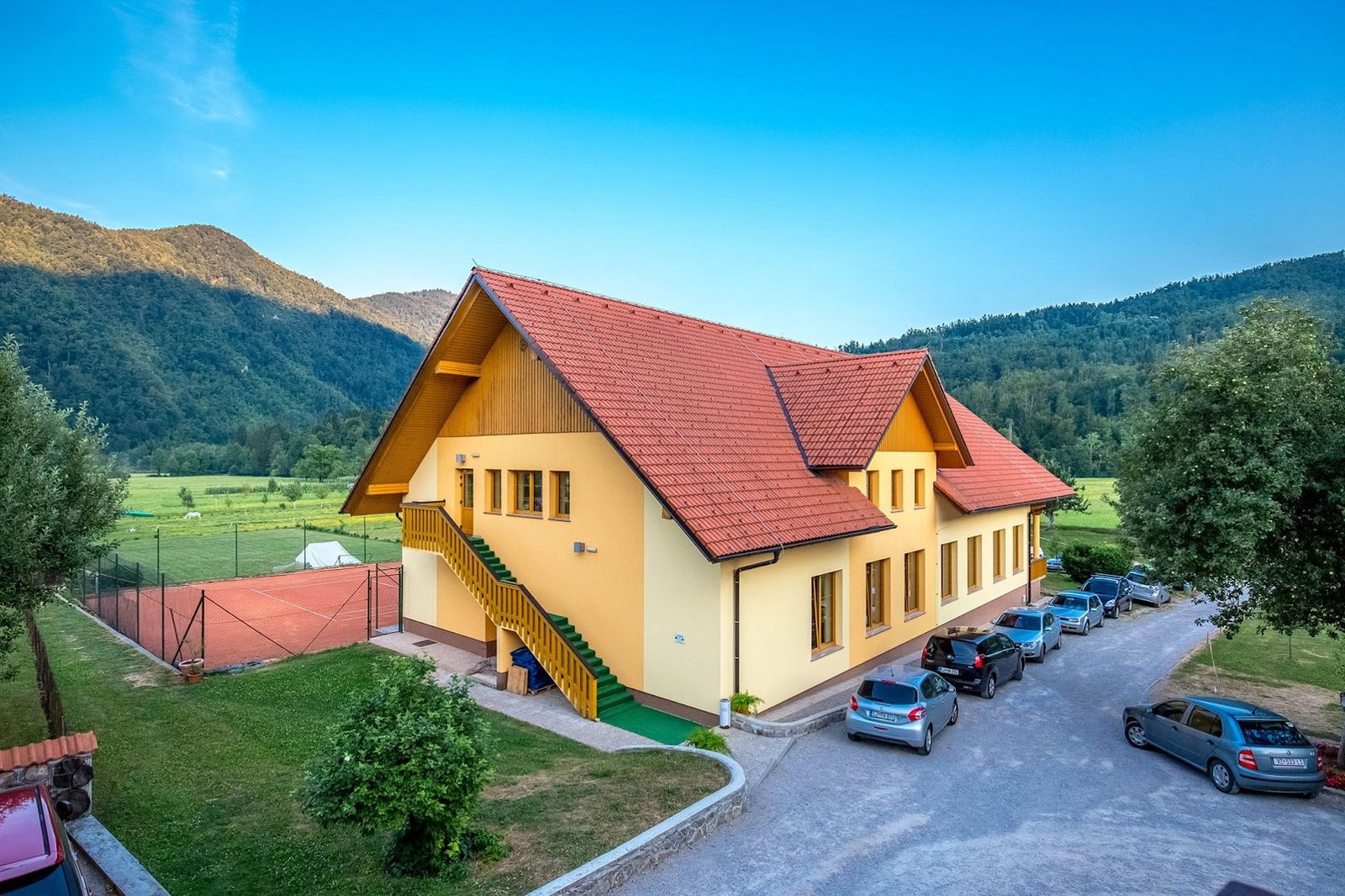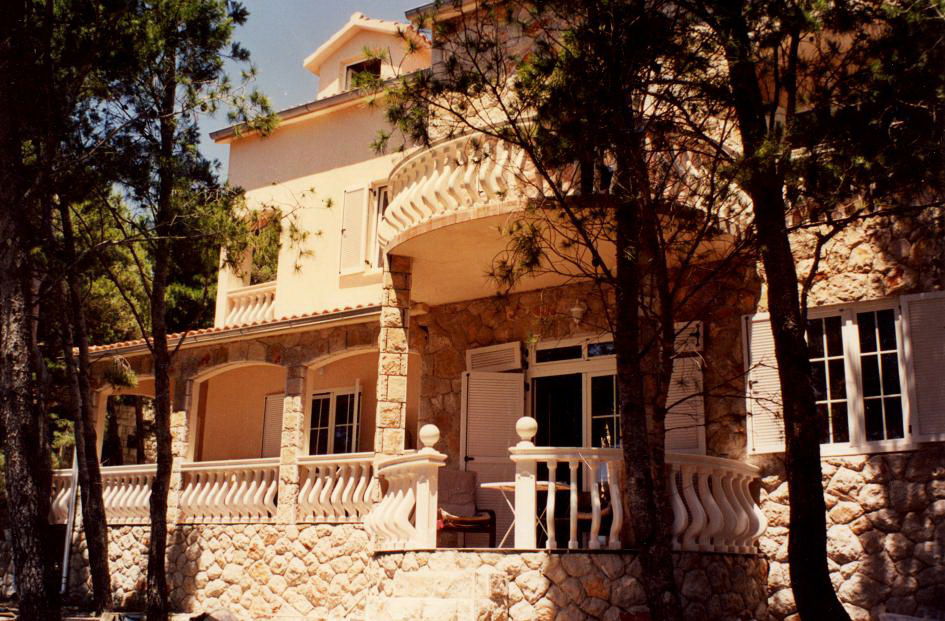
Vila Irming
Web Server's Default Page Overview
This page appears when a web server is set up but does not have an associated website. It usually signifies that the server is operational but has yet to host any web content at the addressed location.
What Does It Mean?
When users navigate to a specific URL, they expect to see relevant content. However, if they encounter a default web server page, it indicates that the server is active but lacks a configured website. This is a common occurrence for new websites or those undergoing setup or maintenance.
Common Reasons for Seeing This Page
- The domain has not been connected to a specific website yet.
- The website is currently under construction or being transferred to a new server.
- There may be an issue in the server's configurations or file placements.
- The hosting provider may have not yet fulfilled the setup process completely.
Next Steps for Site Owners
If you are the owner of a domain displaying this default page, here are some steps to consider:
| Step | Action |
|---|---|
| 1 | Check your domain settings to ensure it points to the correct server. |
| 2 | Verify the contents of your website files are correctly uploaded to the server. |
| 3 | Consult your hosting provider for assistance if the problem persists. |
| 4 | Consider whether your site is still in development and if you need a temporary holding page. |
Conclusion
Seeing a web server's default page is a reminder that while your server may be up and running, there is still work to be done in order to present your desired content to the world. Taking the appropriate steps can help you transition from this default state to an engaging and informative website.
 Google
Podobne storitve