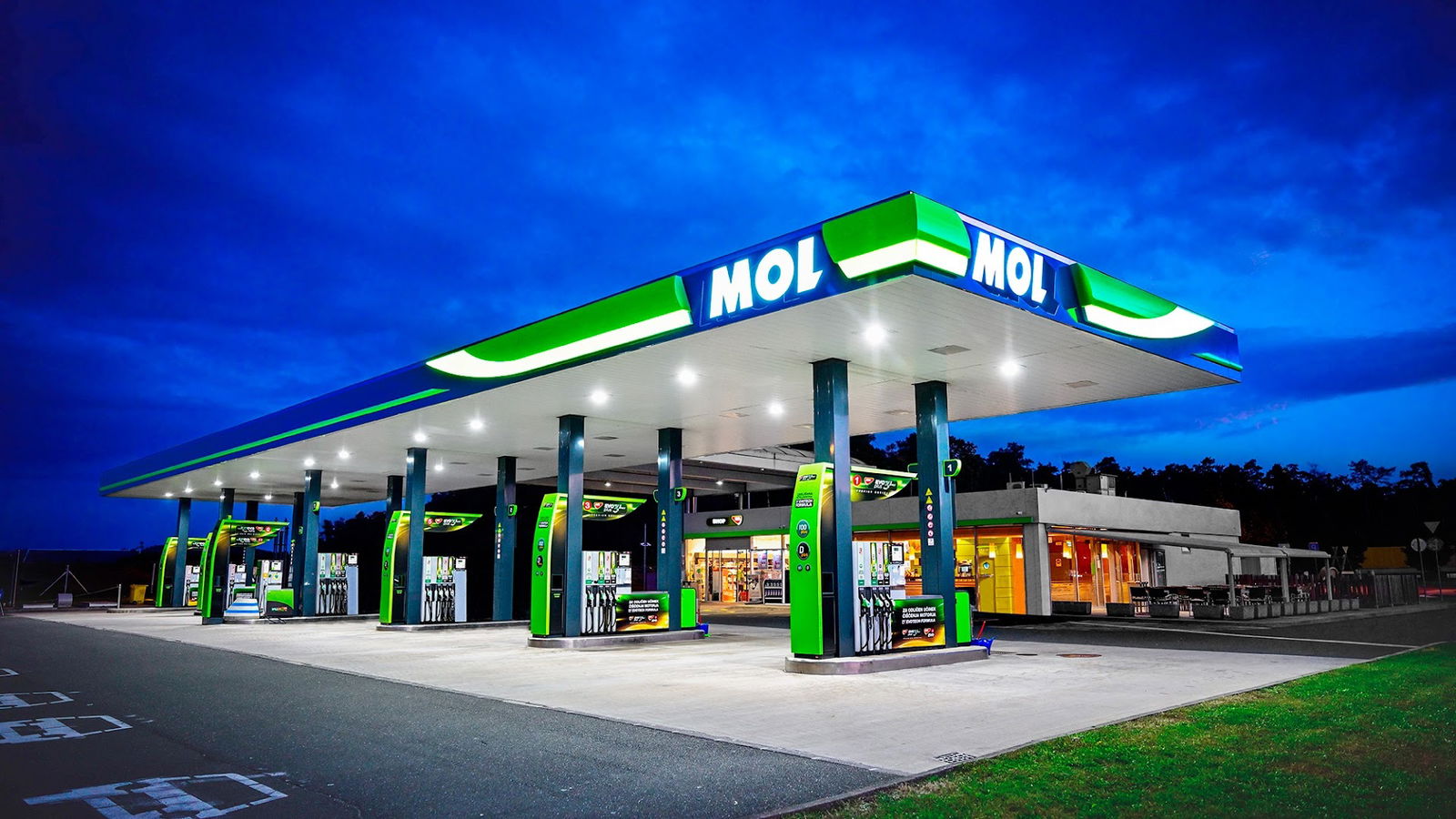
MOL
MOL Service Overview
MOL is a dynamic platform dedicated to providing users with a seamless online experience. However, it has come to our attention that for optimal functionality, JavaScript must be enabled in your web browser settings. Without this essential feature, users may encounter issues when attempting to access the full range of services provided by MOL.
Importance of JavaScript
JavaScript plays a critical role in enhancing user interactivity and engagement on websites. It allows for the execution of various functions, ensuring that content is loaded efficiently and that user actions, such as clicks and form submissions, are processed without delays. Without JavaScript, MOL’s innovative features and tools may be unavailable, resulting in a subpar user experience.
Steps to Enable JavaScript
To fully utilize MOL and enjoy its comprehensive offerings, please consider the following steps to enable JavaScript in your browser:
| Browser | Instructions |
|---|---|
| Google Chrome | Go to Settings > Privacy and Security > Site settings > JavaScript, and turn it on. |
| Mozilla Firefox | Type "about:config" in the address bar, find "javascript.enabled", and toggle to true. |
| Safari | Go to Preferences > Security, and check the "Enable JavaScript" box. |
| Microsoft Edge | Open Settings > Cookies and site permissions > JavaScript, and then toggle it to on. |
Conclusion
By enabling JavaScript, users can ensure that they access the full capabilities of MOL, enhancing their experience and leveraging all the services available on the platform. If you encounter any difficulties in enabling JavaScript or any other technical issues, feel free to seek assistance as you navigate through our offerings. At MOL, we strive to deliver an engaging and efficient user experience.
- ponedeljek 8.00 do 18.00
- torek 8.00 do 18.00
- sreda 8.00 do 18.00
- četrtek 8.00 do 18.00
- Petek 8.00 do 18.00
- sobota 8.00 do 18.00
- nedelja 9.00 do 18.00
 Google
Podobne storitve