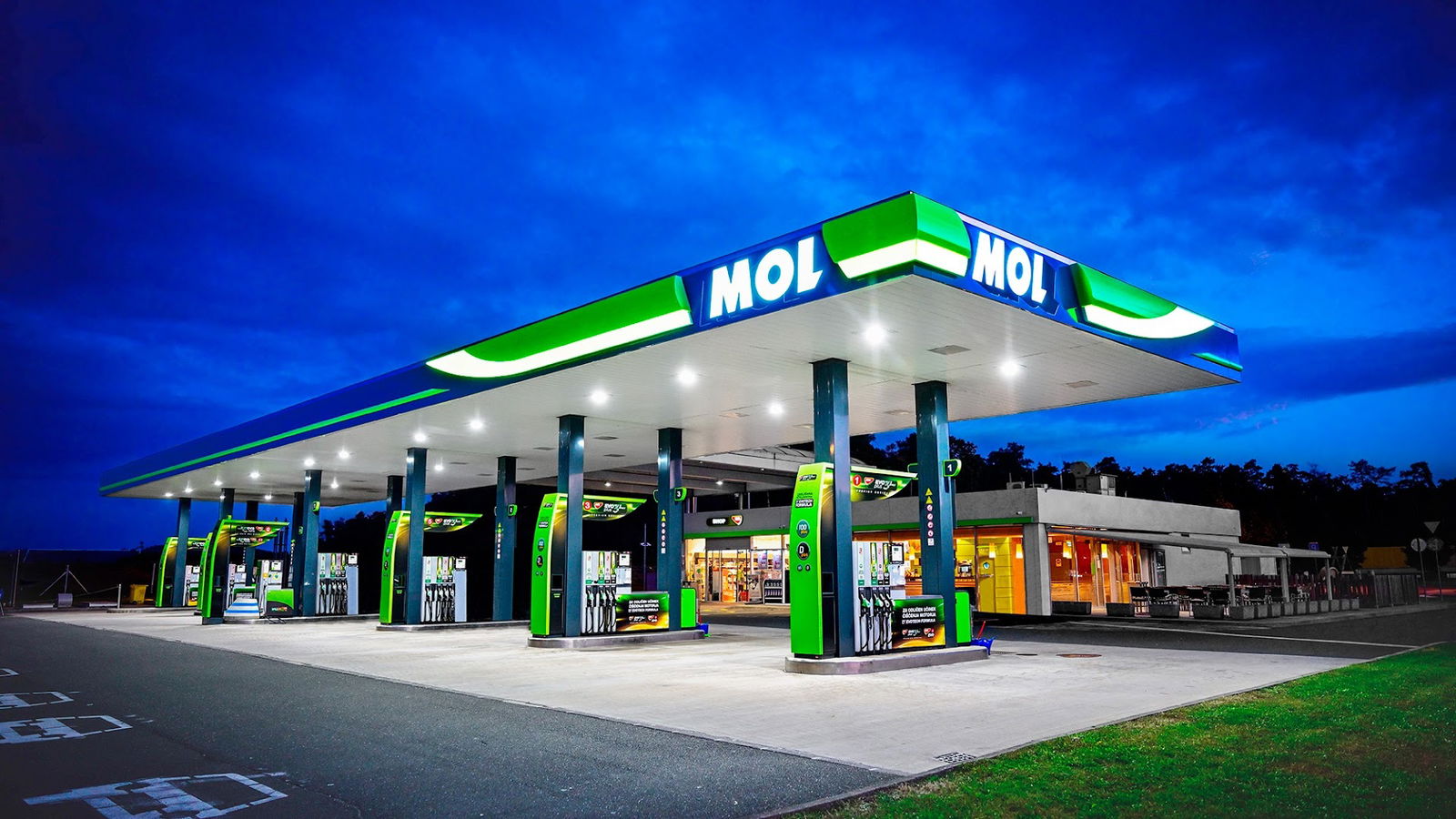
MOL
Service Overview
MOL is an online platform that requires JavaScript to function correctly. Users may encounter issues accessing the services offered by MOL if JavaScript is disabled in their web browser. Enabling JavaScript is essential to ensure optimal performance and usability of the site.
Importance of JavaScript
JavaScript plays a critical role in enhancing the interactivity and dynamic capabilities of web pages. Without JavaScript enabled, you might face limitations in accessing features, submitting forms, or using various functionalities that depend on client-side scripting. MOL relies on these technologies to provide a seamless and efficient user experience.
How to Enable JavaScript
If you're experiencing issues with MOL, here’s a quick guide on how to enable JavaScript in your browser:
| Browser | Steps to Enable JavaScript |
|---|---|
| Google Chrome | 1. Open Chrome Settings. 2. Scroll down and click on 'Advanced.' 3. Under 'Privacy and security,' click on 'Site settings.' 4. Under 'Content,' select 'JavaScript' and turn it on. |
| Mozilla Firefox | 1. Type 'about:config' in the address bar. 2. Accept the risk and continue. 3. Search for 'javascript.enabled.' 4. Toggle it to true to enable JavaScript. |
| Safari | 1. Go to Safari Preferences. 2. Click on the 'Security' tab. 3. Check the box next to 'Enable JavaScript.' |
| Microsoft Edge | 1. Open Edge Settings. 2. Click on 'Privacy, search, and services.' 3. Under 'Security,' click on 'Site permissions.' 4. Select 'JavaScript' and turn it on. |
Conclusion
In summary, enabling JavaScript is crucial for accessing and utilizing the full range of services offered by MOL. By following the above steps for your respective browser, you'll ensure a smoother and more functional interaction with the platform. Don't miss out on the benefits MOL has to offer—make sure JavaScript is enabled!
- WC pristupačan za invalidska kolica: Da
- Dizelsko gorivo: Da
- WC: Da
- ponedjeljak 7 do 20 sati
- utorak 7 do 20 sati
- srijeda 7 do 20 sati
- četvrtak 7 do 20 sati
- petak 7 do 20 sati
- subota 7 do 20 sati
- nedjelja Zatvoreno
 Google
Alles okay
Google
Google
Google
Google
Top👌
Google
Google
Upam da bo vedno tako urejen in zaposleni prijazni
Google
Google
Pumpa je založena, zrihtana. Skratka vse debest.. Ampak prodajalec je pa neponovljiv. Med tiskanjem računa Vam lahko mimogrede z odmerjeno opazko polepša dan. Včasih par dni.
Google
Google
Google
Google
Ok.
Google
Google
Google
Čistoča na vseh področjih po točenju goriva brez rokavic si lahko privoščiš tudi čips brez priokusa kar je to zelo redko na bs
Google
Super
Google
Google
Google
Prijazna uslužbenca, strokovno delo in dobra ponudba.
Google
Google
Google
Bisschen teureres Benzin als die Nachbarn.
Google
Bencin pa take fore.
Google
Podobne storitve