neznan
 Google
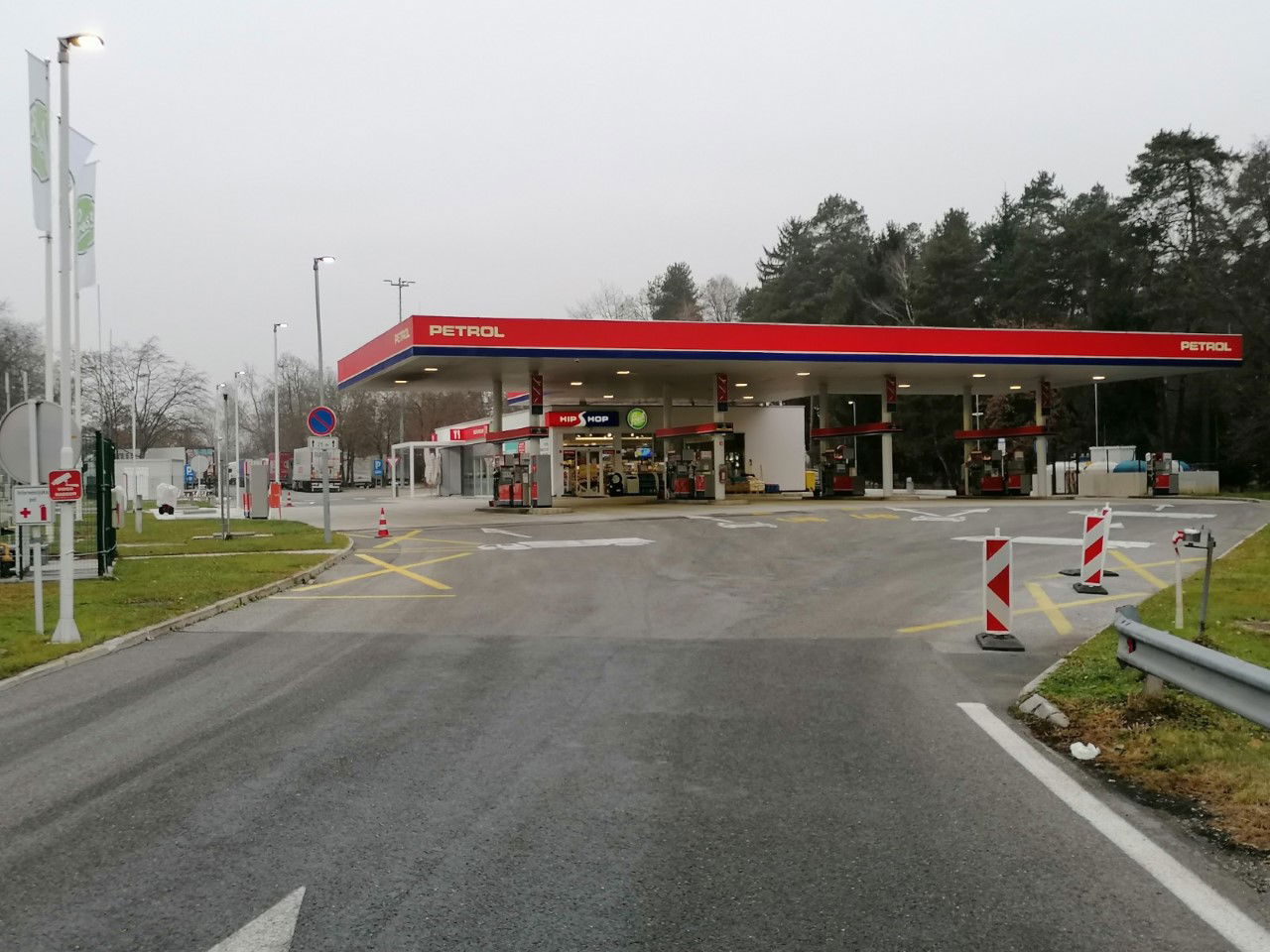
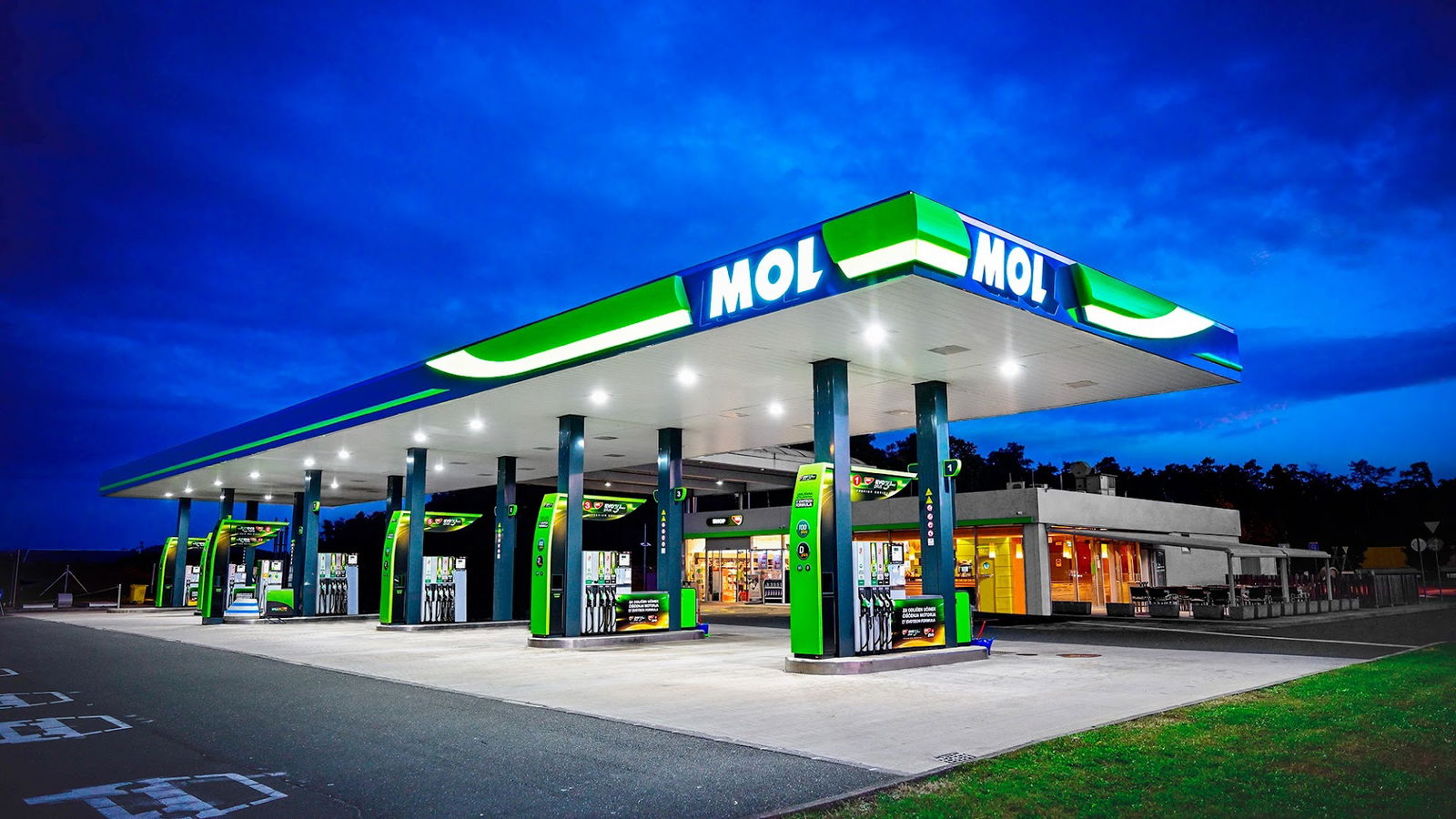
Preveri vsa mnenja, ocene, odpiralne čase ter kontaktne podatke za MOL, bencinska črpalka v mestu pesnica pri mariboru.
MOL is a platform that requires JavaScript to function optimally. If you're encountering issues with the service, it likely means that JavaScript is disabled in your web browser settings.
JavaScript is a programming language that enables interactive and dynamic features on websites. For MOL to deliver its full range of services, having JavaScript enabled in your browser is essential.
Enabling JavaScript varies depending on the web browser you are using. Below are general steps you can follow:
| Browser | Instructions |
|---|---|
| Google Chrome | 1. Open Chrome Settings 2. Click on "Privacy and security" 3. Go to "Site Settings" 4. Under "Content", select "JavaScript" and enable it. |
| Mozilla Firefox | 1. Type "about:config" in the address bar 2. Search for "javascript.enabled" 3. Toggle the value to "true". |
| Microsoft Edge | 1. Click on Settings 2. Choose "Cookies and site permissions" 3. Select "JavaScript" and turn it on. |
If you have enabled JavaScript and are still facing issues, it is advisable to check for browser updates or reach out to the support team for assistance.
Ensuring that JavaScript is enabled will provide you with a seamless experience while using MOL, enabling access to all features and functionalities the service offers.
Google
Google
Google
Google
Google
Google
Google
Google
Google
Google
Google
Google
Google
Google
Google
Google
Google
Google
Google
Google
Google
Google
Google
Google
Google