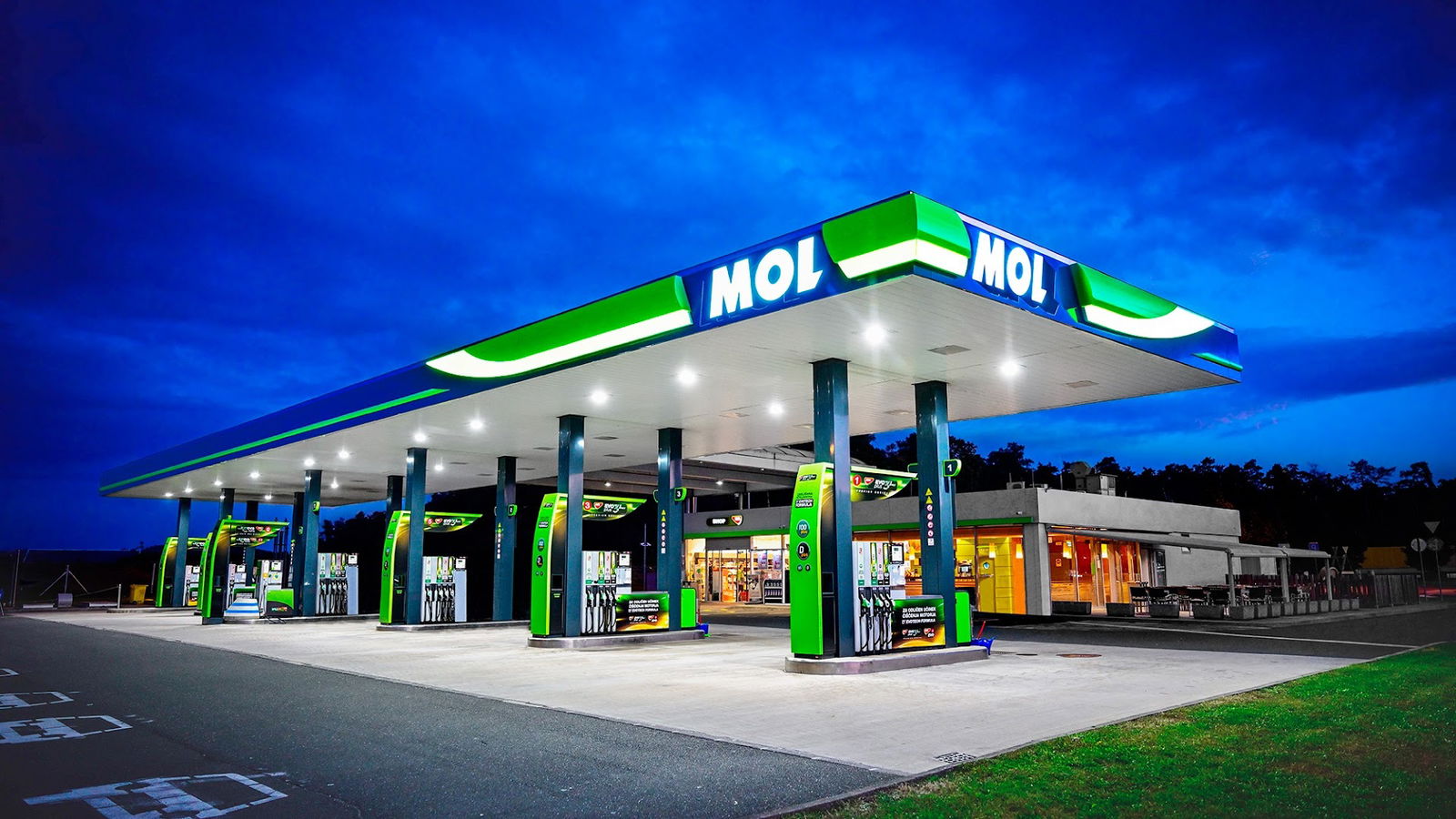
MOL
MOL Service Overview
MOL is a service that provides users with online functionalities and resources. Unfortunately, the platform cannot operate effectively if certain technical requirements are not met. One critical requirement is the activation of JavaScript within the user's web browser.
Importance of JavaScript
JavaScript is a programming language that enables interactive and dynamic content on websites. At MOL, JavaScript is essential for ensuring that users have a seamless experience when navigating the platform. The service may include various features such as real-time updates, interactive forms, and other engaging elements that all rely on JavaScript.
Steps to Enable JavaScript
To fully utilize the MOL service, users must enable JavaScript in their browser settings. Here are basic instructions:
| Browser | Steps to Enable JavaScript |
|---|---|
| Google Chrome | Go to Settings > Privacy and security > Site settings > JavaScript and turn it on. |
| Mozilla Firefox | Type "about:config" in the address bar, search for "javascript.enabled", and toggle it to true. |
| Safari | Go to Preferences > Security and check the "Enable JavaScript" box. |
| Microsoft Edge | Go to Settings > Cookies and site permissions > JavaScript and enable it. |
Conclusion
The MOL service is designed to provide an enhanced user experience through the use of advanced web technologies, primarily JavaScript. Users are encouraged to enable JavaScript to take full advantage of the features and functionalities offered by the platform. By doing so, they will have access to all the interactive elements that make their experience enjoyable and efficient.
- Stranišče dostopno za invalidske vozičke: Da
- Dizelski plin: Da
- Stranišče: Da
- ponedeljek 7.00 do 21.00
- torek 7.00 do 21.00
- sreda 7.00 do 21.00
- četrtek 7.00 do 21.00
- Petek 7.00 do 21.00
- sobota 7.00 do 21.00
- nedelja 7.00 do 21.00
 Google
Google
Google
Google
Google
Google
Google
Un bel distributore, pure pieno di dolciumi alla cassa
Google
prijazni zaposleni,edina napaka je podružnica pošte ter urnik
Google
Google
Google
Google
Google
Google
Google
Najboljša bencinska👏
Google
Google
Google
Ottimo prezzo per i carburanti per il resto classico distributore OMV
Google
Google
Google
Google
Google
Google
Google
Google
Google
Google
Podobne storitve