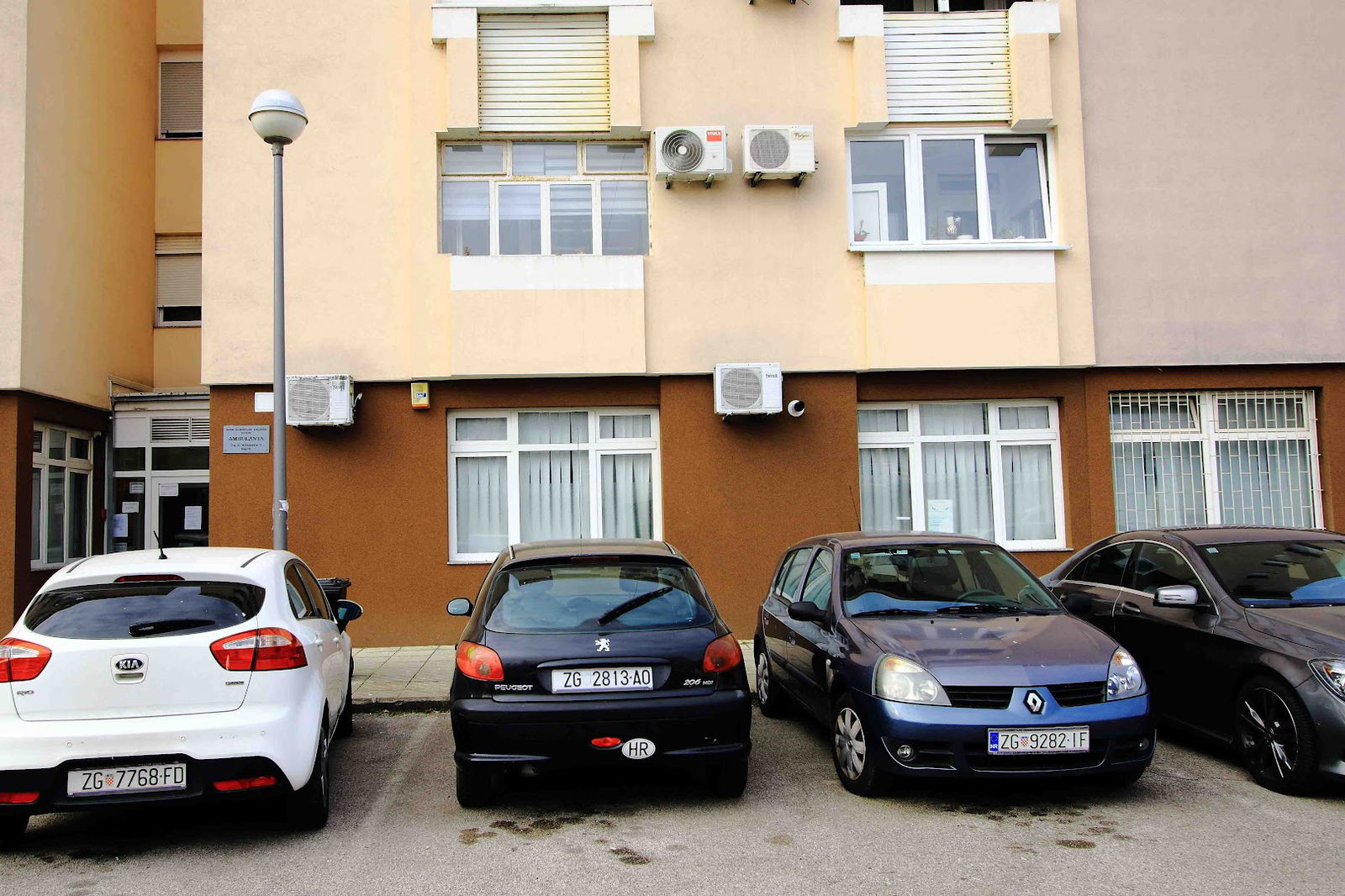
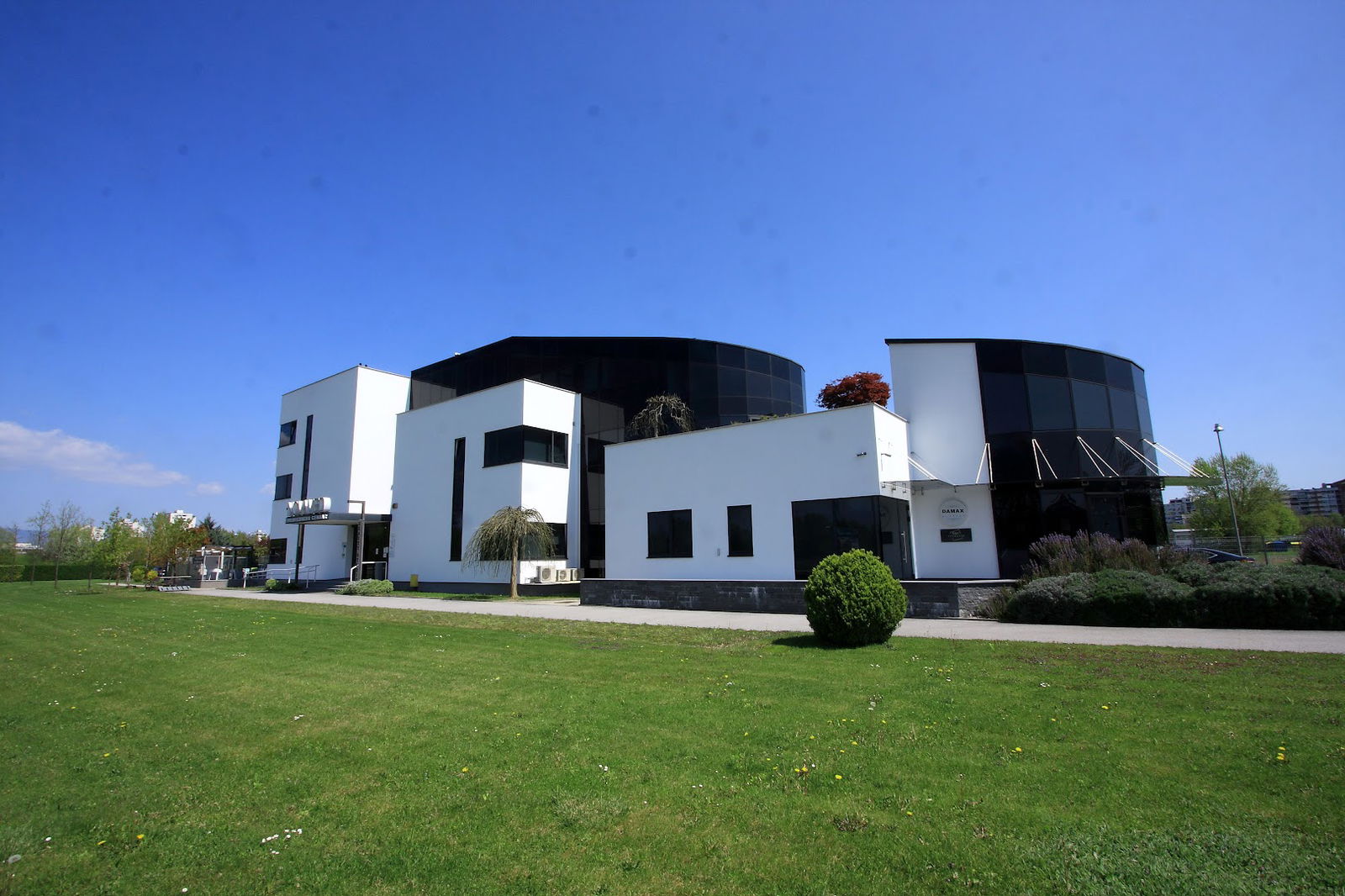
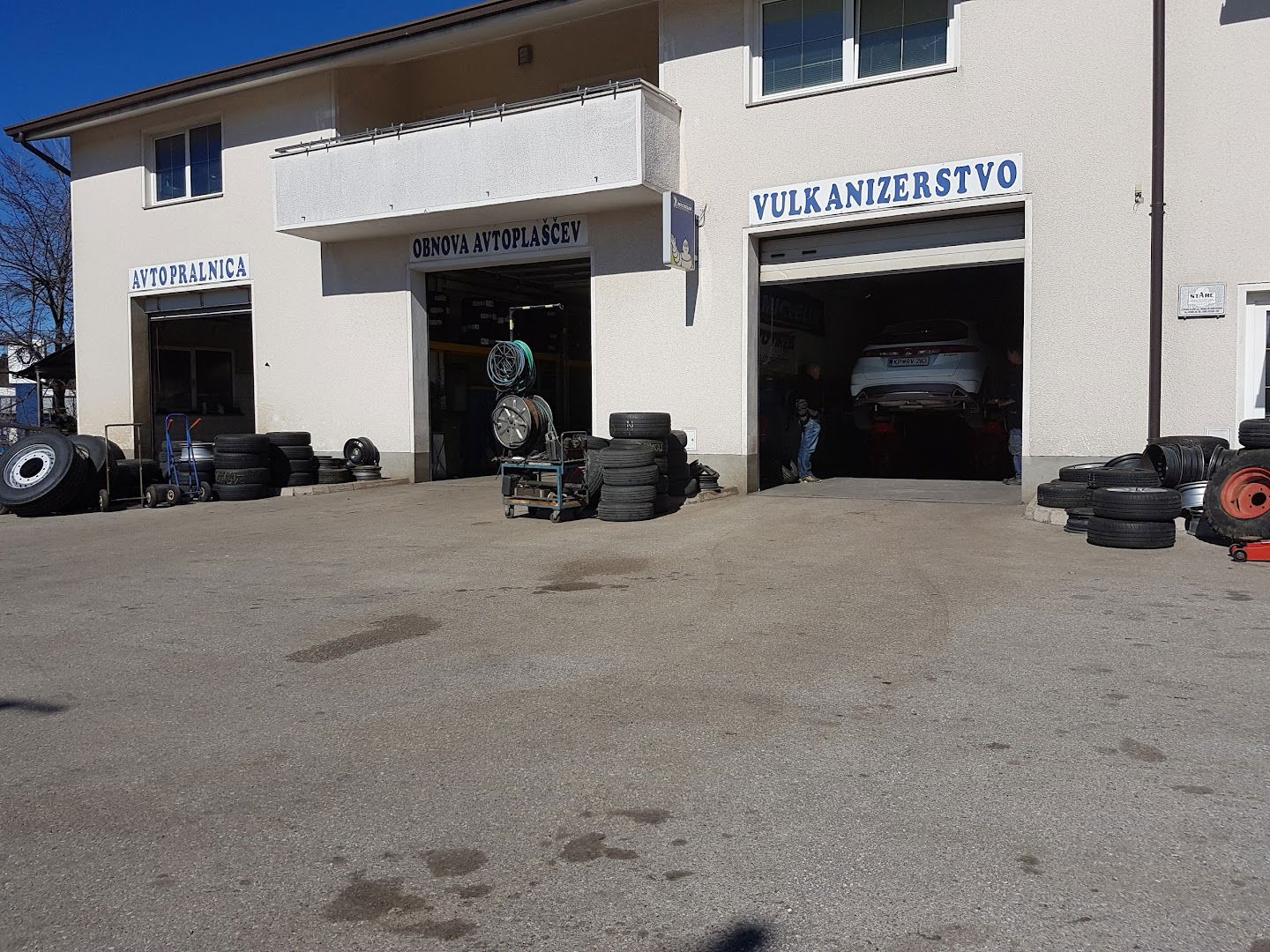
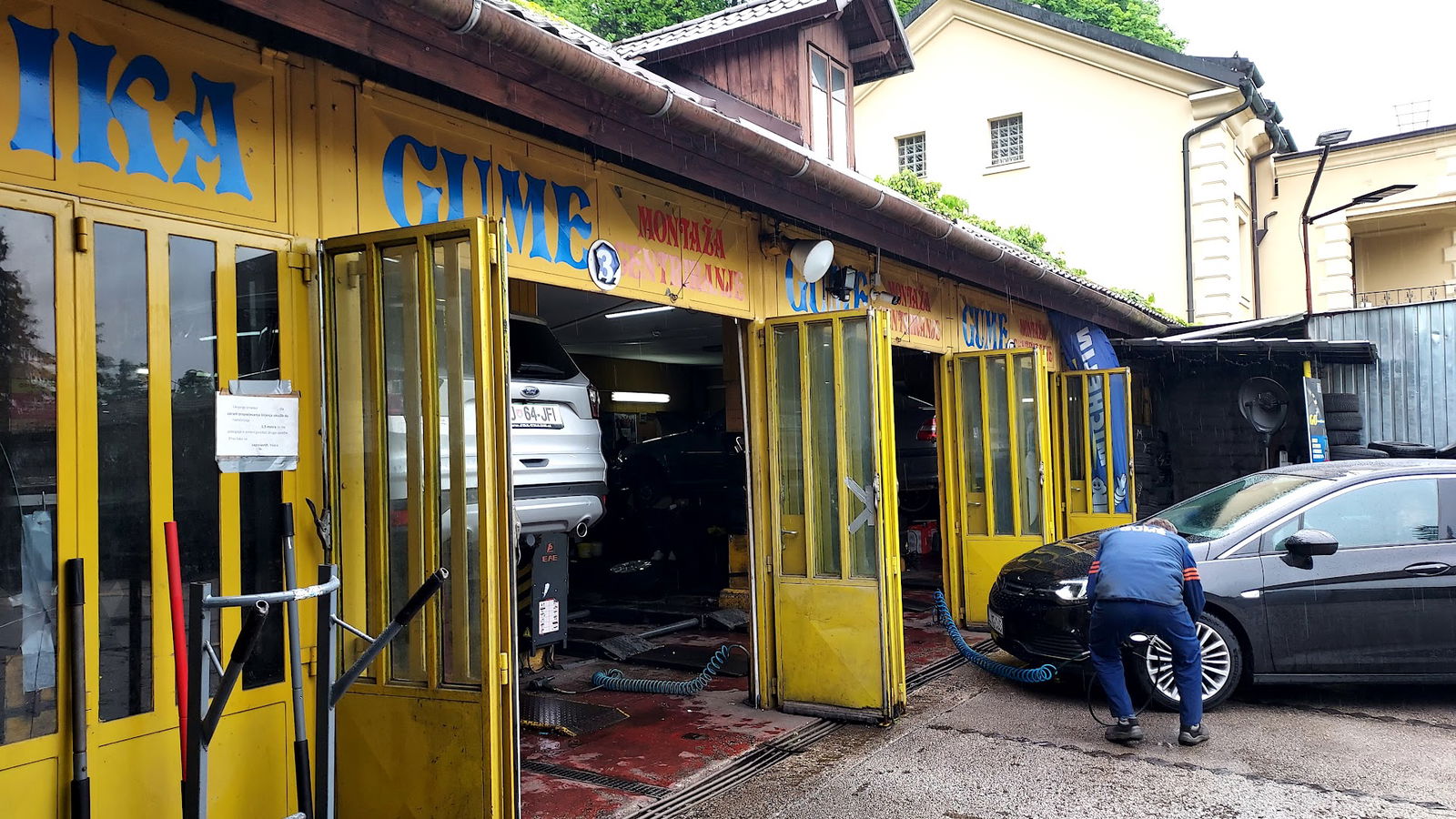
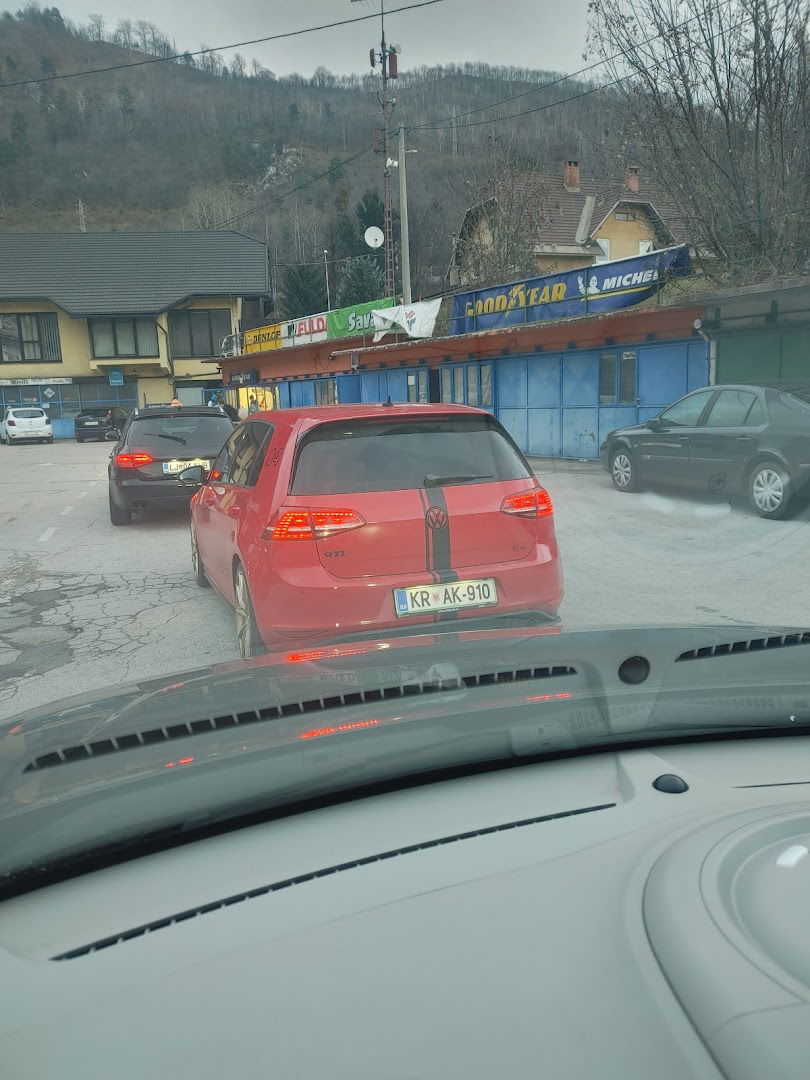
Dolfin Ltd.
Dolfin d.o.o.
Preveri vsa mnenja, ocene, odpiralne čase ter kontaktne podatke za Dolfin Ltd.,
trgovina kotača
v
mestu zagreb.
Service Summary: MySQL Connection Issues
Experiencing difficulties connecting to your MySQL database can be frustrating. Understanding the underlying causes of this issue is crucial for troubleshooting and ensuring smooth operations.
Common Causes of MySQL Connection Issues
There are several reasons why you might be facing the 'Couldn't connect to MySQL' error message. Here are a few common culprits:
- Incorrect Database Credentials: Double-check your username and password.
- Database Server Down: Ensure that the MySQL server is up and running.
- Firewall Restrictions: Sometimes, firewalls can block connection requests to the database server.
- Network Issues: Make sure there are no underlying network connectivity problems affecting the connection.
- Incorrect Hostname or Port: Verify that you are attempting to connect to the right server address and port.
Troubleshooting Steps
To resolve the MySQL connection issue, consider the following troubleshooting steps:
- Check Your Credentials: Start by confirming that your username, password, and database name are correct.
- Ping the Database Server: Ensure that the MySQL server is reachable from your location.
- Review Your Configuration: Look into your application’s configuration files for any discrepancies.
- Examine Firewall Settings: Make sure your firewall settings allow traffic to the MySQL port.
- Database Logs: Check the MySQL server logs for more specific error messages that could provide insights.
Conclusion
Tackling 'Couldn't connect to MySQL' effectively requires a methodical approach to identify and rectify the problem. By following the outlined steps and investigating potential causes, you can improve your chances of establishing a successful connection to your MySQL database.
Opcije usluga
- Dostava: Da
- Preuzimanje u trgovini: Da
Pristupačnost
- Ulaz pristupačan za invalidska kolica: Da
- Parkiralište pristupačno za invalidska kolica: Da
Oprema
- Wi-Fi: Da
- Besplatni Wi-Fi: Da
Plaćanja
- Kreditne kartice: Da
- Debitne kartice: Da
- Kreditne kartice: Da
- ponedjeljak 8 do 18 sati
- utorak Zatvoreno
- srijeda 8 do 18 sati
- četvrtak 8 do 18 sati
- petak 8 do 18 sati
- subota 8 ujutro do 13 popodne
- nedjelja Zatvoreno
 Google
Google
Google
Klošar prodaje gume rabljene žena mi je skoro poginula ovu zimu nikako ne preporučam
Podobne storitve