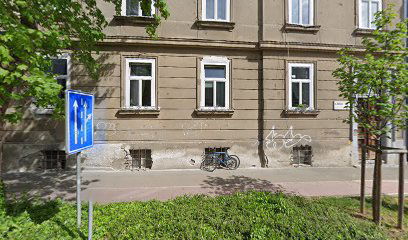
Caris, nepremičninska družba, d.o.o.
Preveri vsa mnenja, ocene, odpiralne čase ter kontaktne podatke za Caris, nepremičninska družba, d.o.o.,
ocenjevalec
v
mestu maribor.
Caris Service Overview
At Caris, we strive to provide a seamless experience for our users. However, please note the importance of enabling JavaScript for our services to function correctly. Without JavaScript, some features may not perform as intended.
Why JavaScript is Essential
JavaScript is a crucial component for a variety of web applications. It allows for interactive and dynamic content, enhancing the usability and functionality of our platform.
Steps to Enable JavaScript
To make the most out of Caris, follow these simple steps to enable JavaScript in your browser:
| Browser | Instructions |
|---|---|
| Chrome | Go to Settings > Privacy and security > Site Settings > JavaScript and enable it. |
| Firefox | Type ‘about:config’ in the address bar, search for 'javascript.enabled' and set it to true. |
| Safari | Go to Preferences > Security and check the box that says "Enable JavaScript." |
Conclusion
By enabling JavaScript, you ensure that Caris can operate smoothly and provide you with a rich and engaging user experience. We appreciate your understanding and are here to assist if you encounter any issues.
Možnosti storitev
- Spletne rezervacije: Da
- Storitve na kraju: Da
Dostopnost
- Parkirišče dostopno za invalidske vozičke: Da
- ponedeljek 9.00 do 15.00
- torek 9.00 do 15.00
- sreda 9.00 do 15.00
- četrtek 9.00 do 15.00
- Petek 9.00 do 15.00
- sobota Zaprto
- nedelja Zaprto
 Google
Podobne storitve