Dejan D. I.
 Google
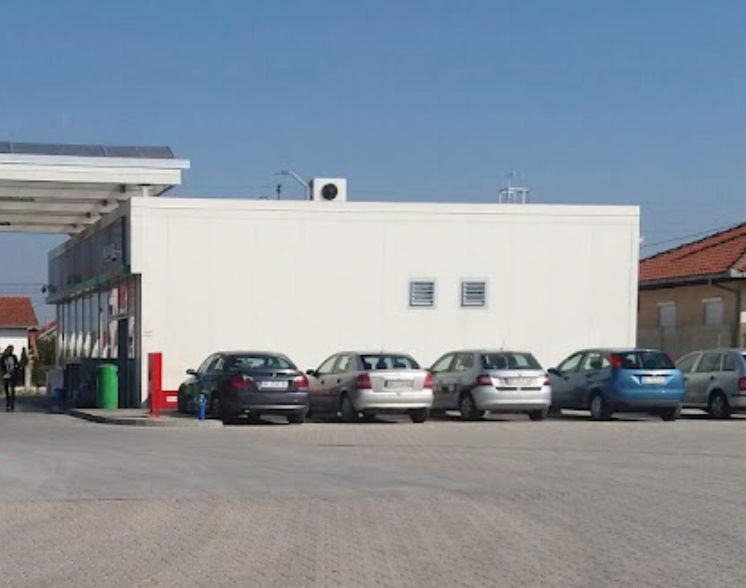
МОЛ | БС Сурчин
Preveri vsa mnenja, ocene, odpiralne čase ter kontaktne podatke za MOL Surčin, benzinska postaja v mestu surčin.
MOL is a platform that provides users with various services and functionalities. However, it's important to note that in order to fully utilize the features and services offered by MOL, users must have JavaScript enabled in their web browsers.
JavaScript is a programming language that is essential for the optimal operation of many modern web applications. It enhances interactivity and allows for a more dynamic user experience. When JavaScript is disabled, users may encounter restrictions that result in incomplete or improper functioning of the MOL service.
To enjoy the full benefits of MOL, users are encouraged to enable JavaScript in their web browsers. The process may vary depending on the browser, but here are general instructions:
| Browser | Steps to Enable JavaScript |
|---|---|
| Google Chrome | 1. Open Chrome. 2. Click on the three-dot menu in the top right. 3. Select Settings and scroll to Privacy and Security. 4. Click on Site settings and then under Content find JavaScript. 5. Toggle the switch to allow sites to run JavaScript. |
| Mozilla Firefox | 1. Open Firefox. 2. Type 'about:config' in the address bar and press Enter. 3. Accept any warning messages. 4. Search for 'javascript.enabled'. 5. Toggle it to true to enable JavaScript. |
| Safari | 1. Open Safari. 2. Go to Preferences from the Safari menu. 3. Select the Security tab. 4. Check the box that says Enable JavaScript. |
While MOL provides a range of valuable services, ensuring that JavaScript is enabled is crucial for an optimal experience. We encourage all users to check their browser settings to enable this feature, allowing for seamless access to the capabilities MOL has to offer.
Google
Google
Google
Google
Google
Google
Google
Google
Google
Google
Google
Google
Google
Google
Google
Google
Google
Google
Google
Google
Google
Google
Google
Google
Google