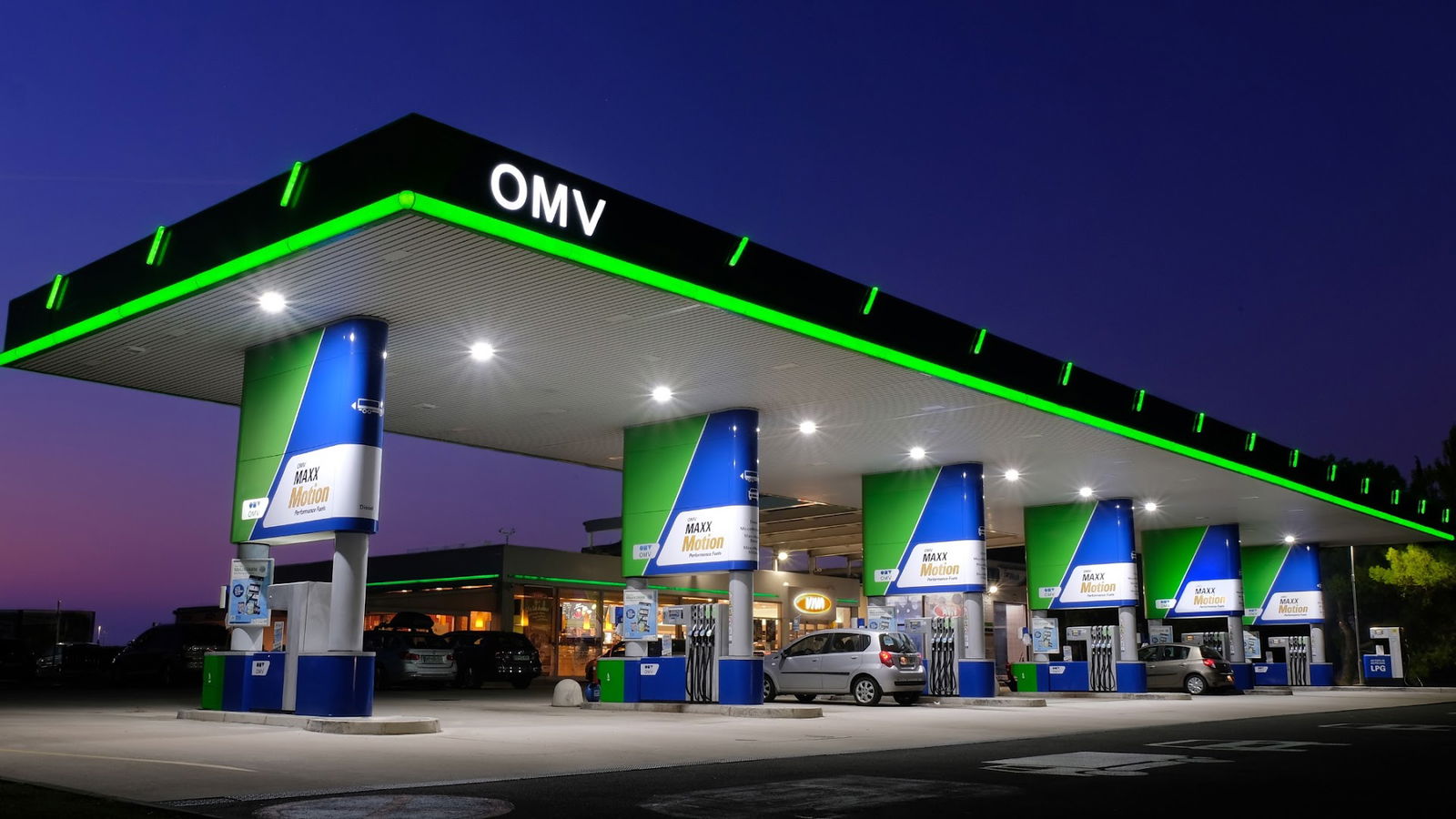
Benzinska postaja
MOL
Preveri vsa mnenja, ocene, odpiralne čase ter kontaktne podatke za MOL, benzinska postaja v mestu ilirska bistrica.
MOL Service Overview
MOL is an online platform that requires JavaScript to function properly, and accessing its features may not be possible without enabling this functionality in your web browser. If you're encountering issues, it's important to adjust your browser settings to allow JavaScript to enhance your experience.
Understanding JavaScript Functionality
JavaScript is a programming language that is essential for the interactive features of modernization on web pages. It allows for dynamic content updates, interactive elements, and a more engaging user interface. Without JavaScript, many online services, including MOL, may not display correctly or deliver their intended user experience.
Importance of Enabling JavaScript
To fully enjoy and utilize the features that MOL offers, users must enable JavaScript in their web browser. This simple adjustment can unlock a wide range of functionalities that enhance usability and interaction with the platform.
How to Enable JavaScript
If you're unsure how to enable JavaScript, here’s a brief guide:
| Browser | Steps to Enable JavaScript |
|---|---|
| Google Chrome | Go to Settings > Privacy and Security > Site Settings > JavaScript > Allowed. |
| Mozilla Firefox | Type about:config in the address bar, find 'javascript.enabled', and set it to true. |
| Safari | Open Preferences > Security > Enable JavaScript. |
| Microsoft Edge | Go to Settings > Cookies and site permissions > JavaScript > Allowed. |
Conclusion
Ensuring that JavaScript is enabled is crucial for a seamless experience on MOL's platform. By following the simple steps outlined above, you can optimize your browsing experience and take full advantage of the services provided by MOL.
Pristupačnost
- WC pristupačan za invalidska kolica: Da
Ponuda
- Dizelsko gorivo: Da
Oprema
- WC: Da
- ponedjeljak Otvoreno 24 sata
- utorak Otvoreno 24 sata
- srijeda Otvoreno 24 sata
- četvrtak Otvoreno 24 sata
- petak Otvoreno 24 sata
- subota Otvoreno 24 sata
- nedjelja Otvoreno 24 sata
Podobne storitve