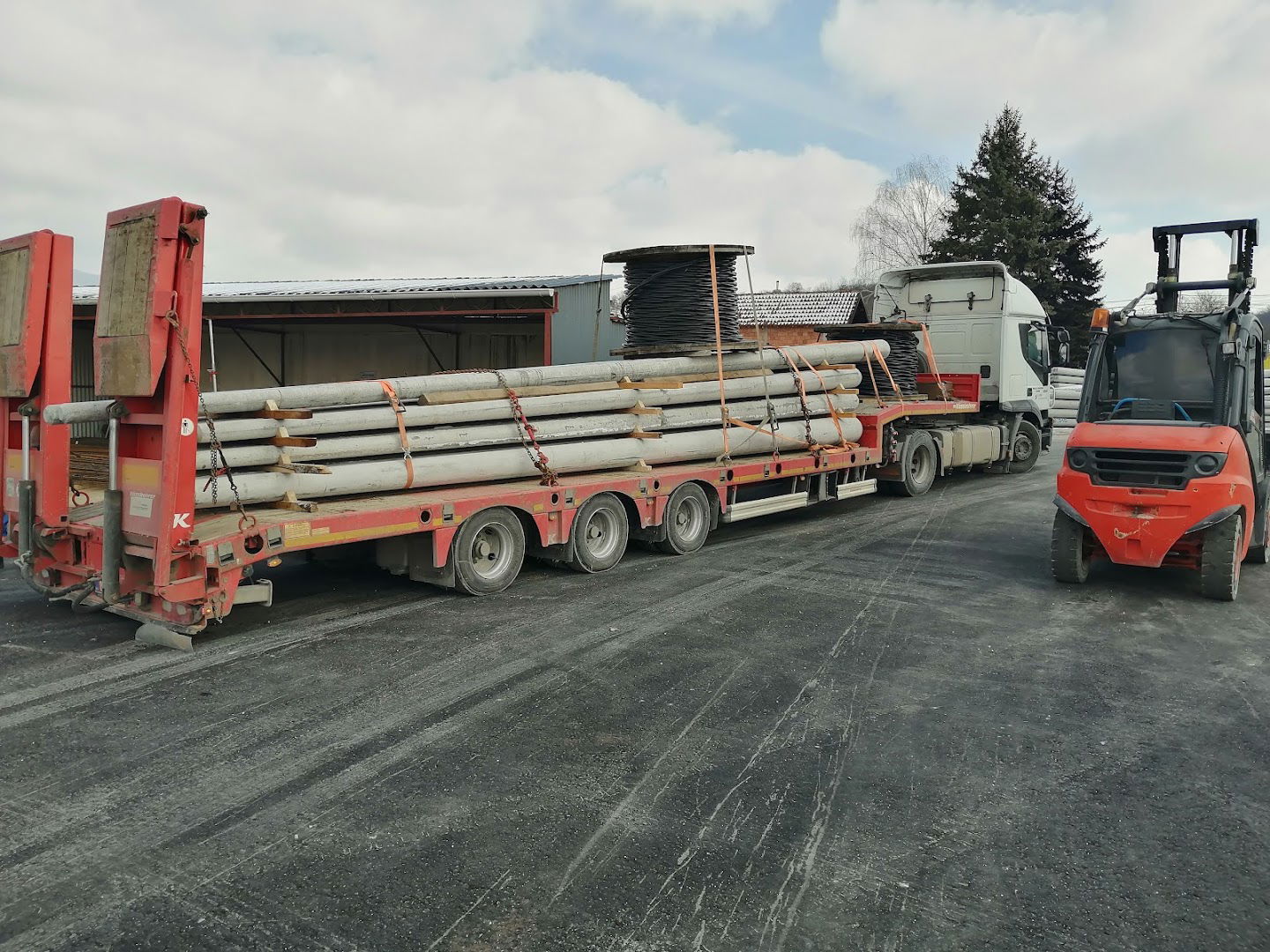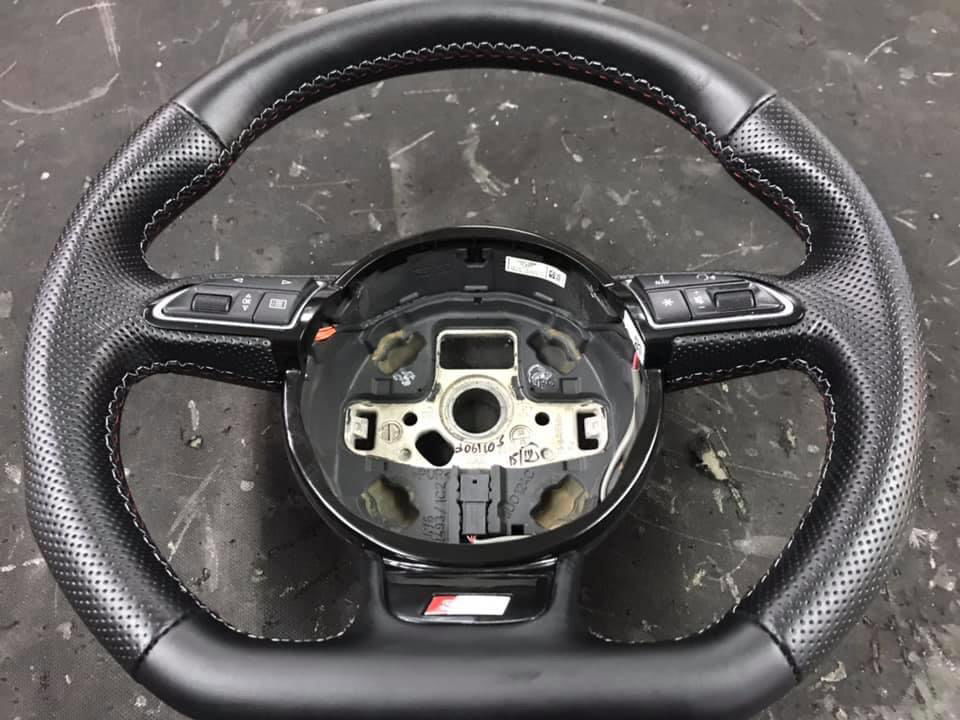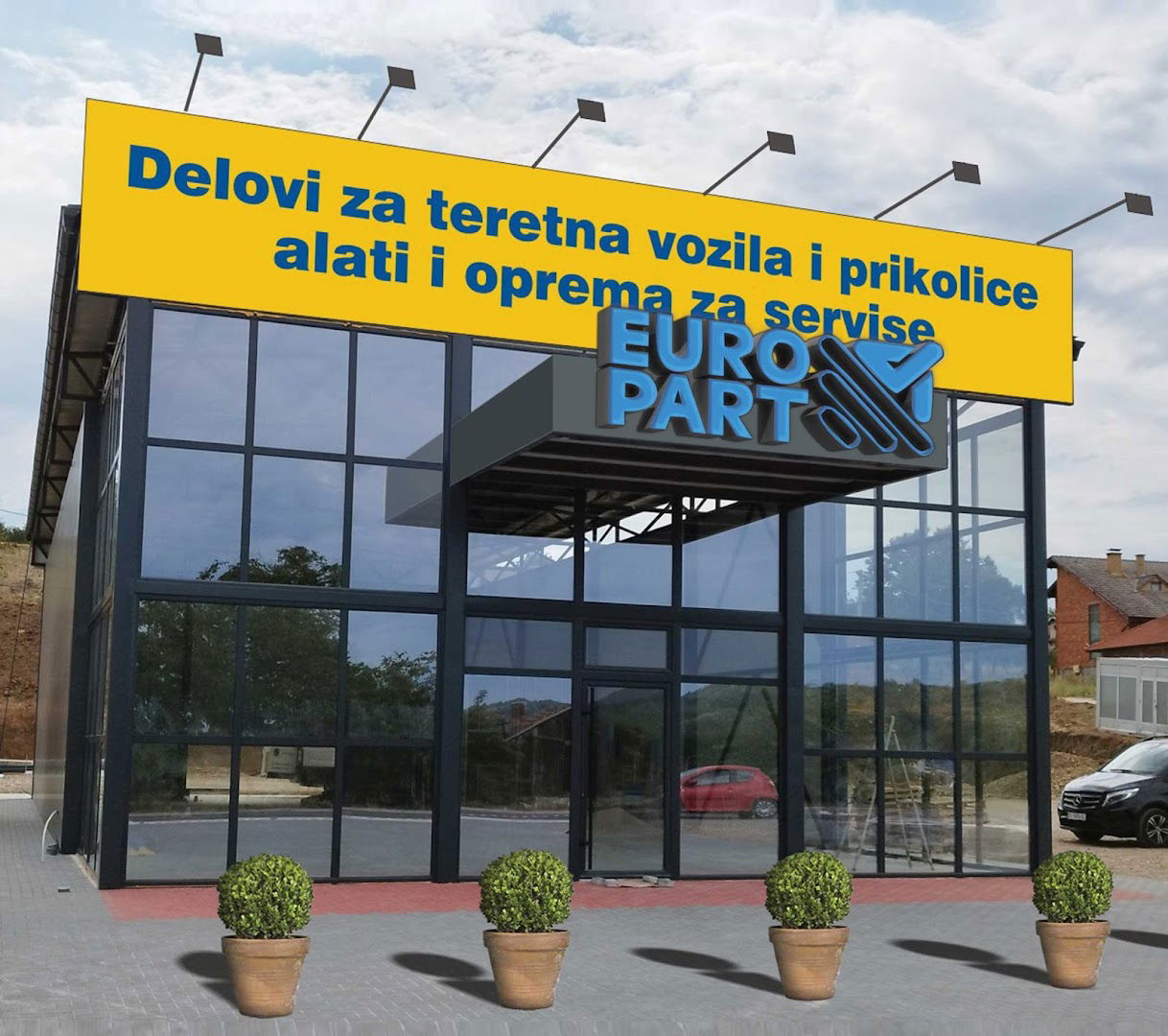
Europart
Europart doo
Apache2 Ubuntu Default Page Overview
The Apache2 Ubuntu Default Page serves as a welcome screen designed to ensure that the Apache2 server has been successfully installed and is functioning properly on Ubuntu systems. This page is a derivative of the standard page used in Debian systems, a cornerstone for Ubuntu's Apache packaging.
If you can see this page, it indicates that the Apache HTTP server at this site is operational. It is important to customize this page by replacing the default file located at /var/www/html/index.html as you begin to set up your HTTP server for normal function. For visitors encountering this page and unsure of its meaning, it could suggest that the site is temporarily offline due to maintenance.
Configuration Overview
The default configuration for Apache2 on Ubuntu systems diverges from the upstream defaults, presenting a well-structured arrangement that integrates seamlessly with Ubuntu management tools. For those interested in extensive documentation, a detailed overview can be found in /usr/share/doc/apache2/README.Debian.gz, which is crucial for navigating the configuration.
Apache2 Configuration Layout
| File/Directory | Description |
|---|---|
| /etc/apache2/apache2.conf | Main configuration file that consolidates all configurations upon server startup. |
| ports.conf | Defines listening ports for incoming connections, customizable at any time. |
| mods-enabled, conf-enabled, sites-enabled | Directories containing specific configurations for modules, global settings, or virtual hosts. |
Document Roots
By default, Ubuntu restricts web browser access to files only located in specific directories, particularly /var/www, public_html (if enabled), and /usr/share for web applications. If your content resides in a different location, you will need to whitelist it in /etc/apache2/apache2.conf.
Reporting Problems
Should you encounter issues with the Apache2 package, use the ubuntu-bug tool to file a report. It is advisable to check for existing bug reports to avoid duplicative submissions. For problems related to specific modules (like PHP), please direct your feedback to the appropriate package rather than the web server.
- Ulaz pristupačan za invalidska kolica: Da
- Parkiralište pristupačno za invalidska kolica: Da
- Kreditne kartice: Da
- ponedjeljak 8 do 17 sati
- utorak 8 do 17 sati
- srijeda 8 do 17 sati
- četvrtak 8 do 17 sati
- petak 8 do 17 sati
- subota 8 ujutro do 14 popodne
- nedjelja Zatvoreno
 Google
Google
Google
Google
Google
Google
Google
Podobne storitve